
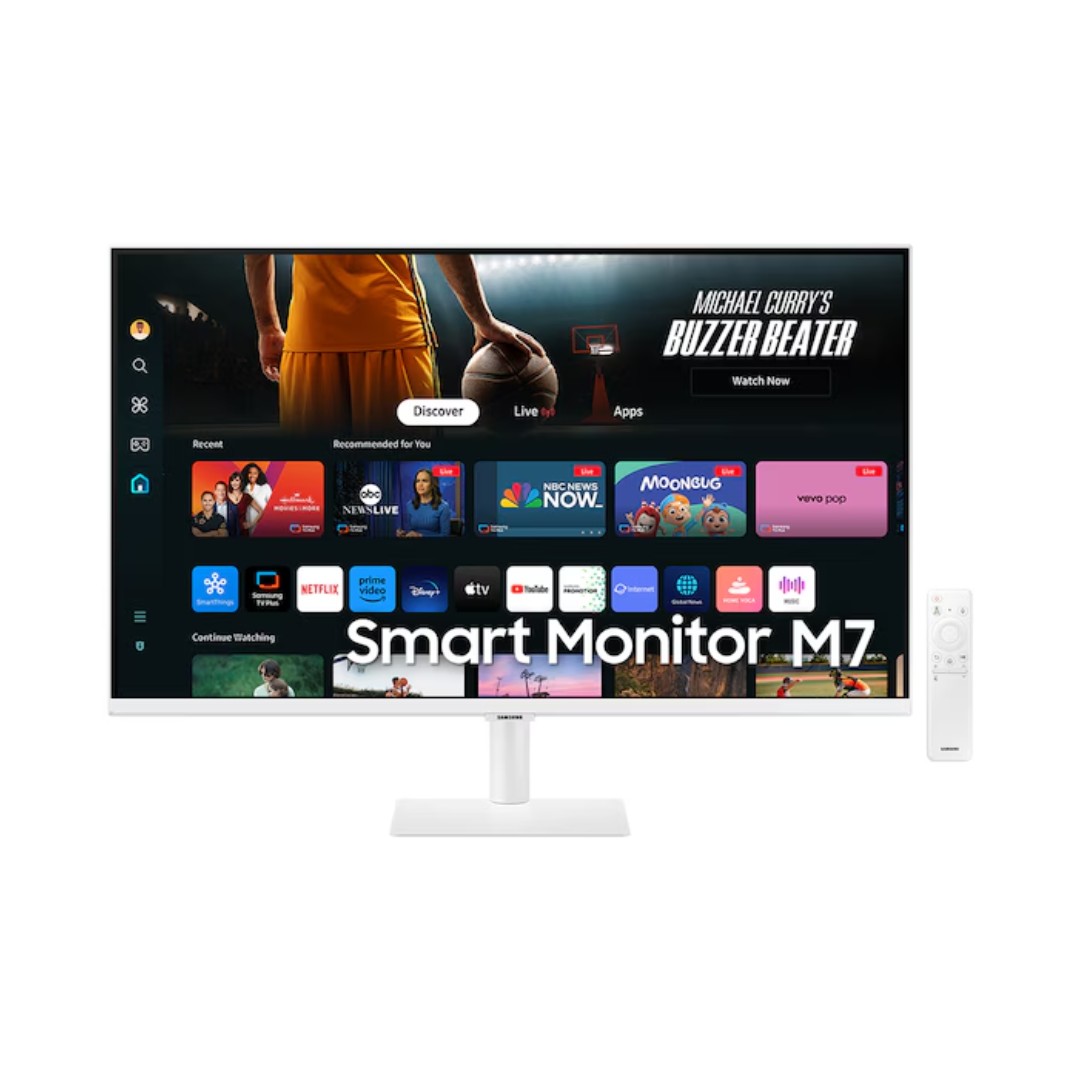
Stunning 4K UHD display with smart apps
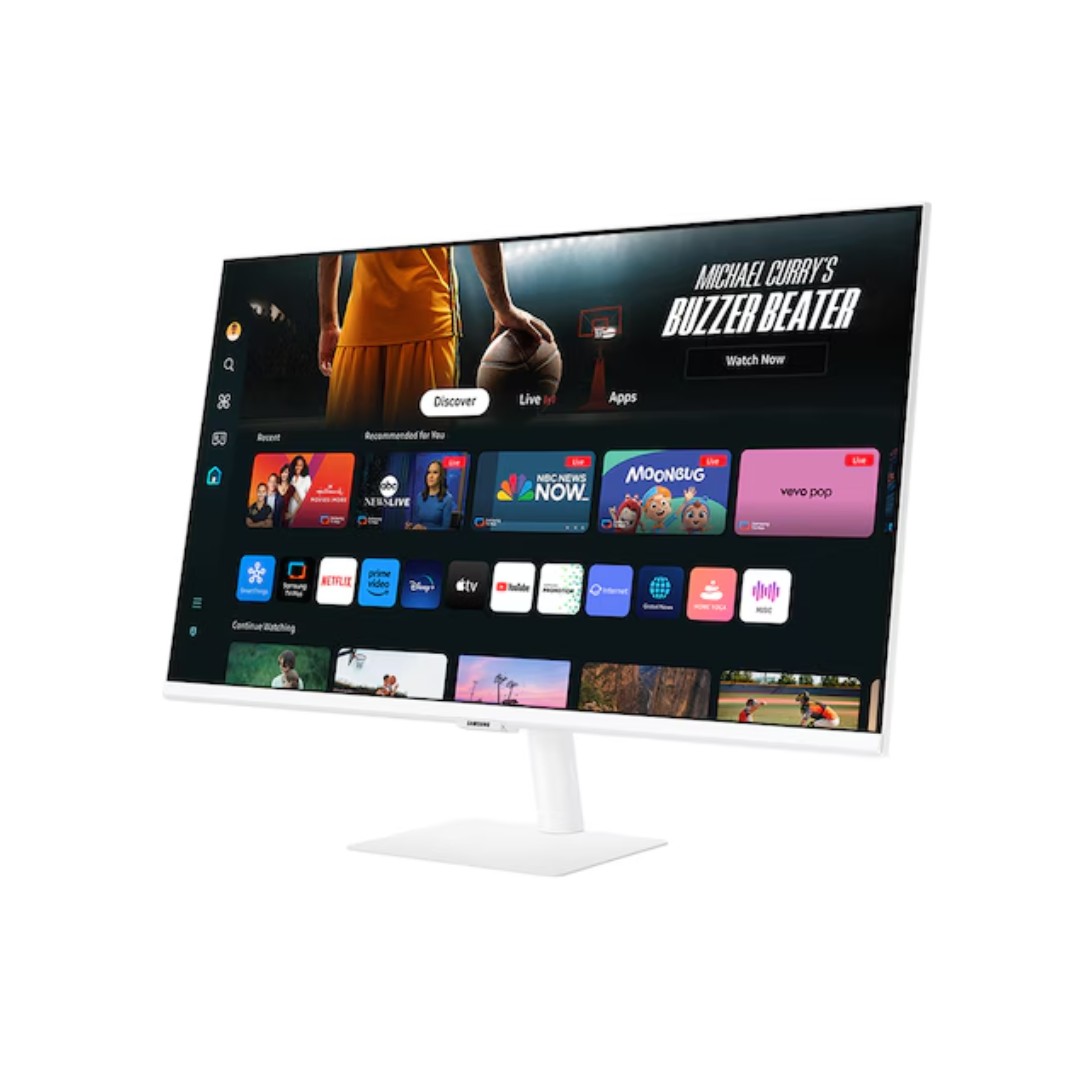
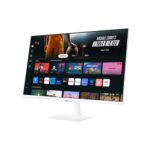
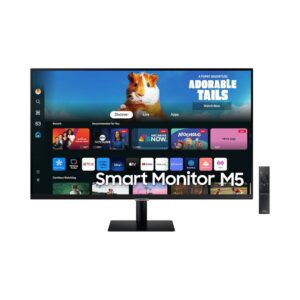
The Samsung M7 Smart Monitor 32″ UHD 4K – LS32DM703UMXUE (M70D series, often in white finish) is a premium all-in-one smart display that blends a high-resolution 32-inch 4K UHD monitor with full Smart TV capabilities via Tizen OS, eliminating the need for a separate computer or streaming device in many scenarios. It features a VA panel with UHD resolution (3840 × 2160) for sharp, detailed visuals, HDR10 support for enhanced contrast and color depth, 300 cd/m² typical brightness, a high 3000:1 static contrast ratio for deeper blacks, and wide 178° viewing angles, delivering vibrant and immersive viewing for work, entertainment, or casual gaming. The 60Hz refresh rate and 4ms (GTG) response time provide smooth performance for streaming, productivity, and light gaming, while built-in dual speakers deliver clear audio directly from the monitor. Smart features include access to apps like Netflix, YouTube, Samsung TV Plus (free live channels and on-demand content), Gaming Hub for cloud gaming, Microsoft 365 integration for document editing and browsing, voice control with Bixby/Alexa, and Multi Control for seamless device switching with one keyboard/mouse.
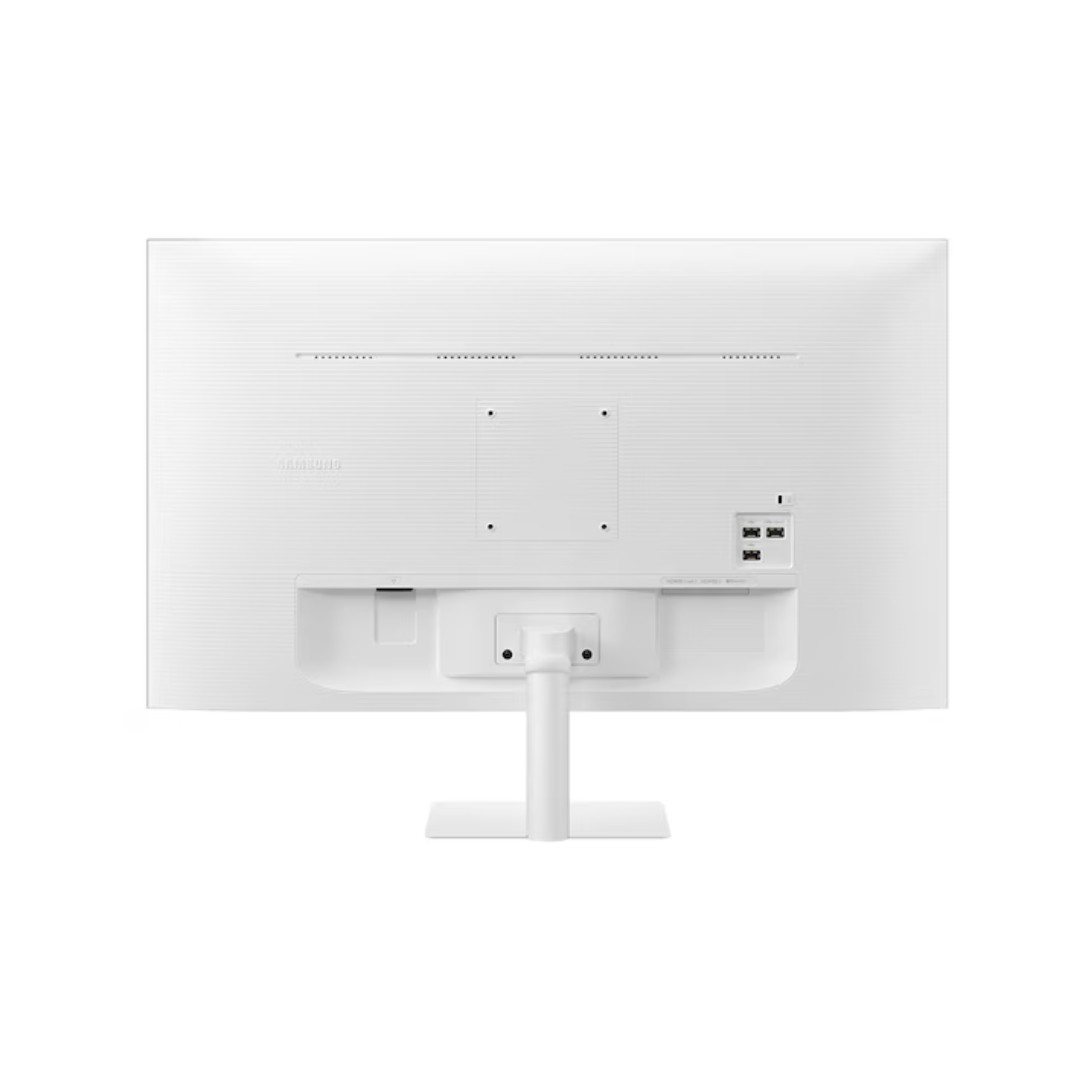
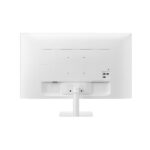
Connectivity is comprehensive with multiple HDMI ports, USB-C (supporting up to 65W charging and data/display), USB hub ports, Wi-Fi 5, Bluetooth 5.2, AirPlay 2, Smart View/Tap View mirroring, and SmartThings compatibility for IoT control. The slim, modern white design with minimal bezels, adjustable tilt stand, and eco-friendly low-power operation makes it a space-efficient, multi-purpose solution for home offices, living rooms, or hybrid setups in Nairobi, backed by Samsung’s reliable build quality and typically a 1–3 year warranty depending on the region.
Key Features
4K UHD Resolution with HDR10
The 32-inch screen delivers sharp 4K UHD resolution (3840 × 2160) with HDR10 support for enhanced contrast, brighter highlights, and more lifelike colors. This provides detailed visuals ideal for streaming, productivity, photo editing, or enjoying movies and series on a larger display.
Built-in Smart TV with Tizen OS
Powered by Samsung’s Tizen operating system, the monitor functions as a standalone smart TV. It offers direct access to streaming apps like Netflix, YouTube, Samsung TV Plus, cloud gaming through Gaming Hub, and voice control with Bixby or Alexa—no external streaming device required.
USB-C Connectivity with Power Delivery
The USB-C port supports up to 65W power delivery, allowing you to charge compatible laptops or tablets while using the monitor for display and data transfer. This single-cable solution simplifies setup for work, charging, and extended desktop use.
Built-in Speakers and Audio Features
Dual integrated speakers provide clear, room-filling sound for streaming, video calls, gaming, or general media consumption. This eliminates the immediate need for external speakers or headphones in many everyday scenarios.
Multi-Device Control and Productivity Tools
Microsoft 365 integration enables direct document editing and browsing without a PC. Multi Control allows one keyboard and mouse to operate multiple connected devices seamlessly, making it highly efficient for hybrid work, content creation, or multi-tasking setups.
What’s in the Box
- Monitor
- Remote
- Power Cord
- User Manual
FAQs
Can I use it as a regular 4K monitor without the smart TV features?
Yes, you can connect a PC, laptop, or gaming console via HDMI or USB-C and use it purely as a high-resolution monitor. The 4K UHD panel with 60Hz refresh rate works excellently for productivity, photo/video editing, browsing, or casual gaming. The smart TV apps and Tizen OS can be ignored or turned off if you prefer a traditional monitor experience.
Does the USB-C port support charging my laptop and displaying 4K at the same time?
Yes, the USB-C port delivers up to 65W Power Delivery (PD) charging while simultaneously transmitting video (4K@60Hz) and data. This single-cable setup is perfect for MacBooks, Windows ultrabooks, or compatible laptops that accept 65W or less charging—allowing you to charge, display, and transfer data without multiple cables.
How good is it for gaming?
It’s suitable for casual and cloud gaming thanks to the 4K resolution, HDR10 support, and low input lag in Game Mode. The built-in Gaming Hub provides access to Xbox Cloud Gaming, GeForce NOW, and other services without a console. However, with a 60Hz refresh rate, 4ms response time, and no Adaptive Sync (FreeSync/G-Sync), it is not ideal for competitive or fast-paced esports gaming—better suited for story-driven titles, retro games, or console-like experiences.
Is the built-in audio sufficient, or do I need external speakers?
The dual built-in speakers (typically 5W × 2) provide decent, balanced sound for streaming, video calls, YouTube, Netflix, and general use—clearer and louder than most basic monitor speakers. For immersive movies, music, or gaming, many users connect Bluetooth headphones/speakers or a soundbar via Bluetooth or HDMI ARC (if supported). The audio is good enough for everyday scenarios without external gear.

Reviews
There are no reviews yet.