
The power to perfect professionals
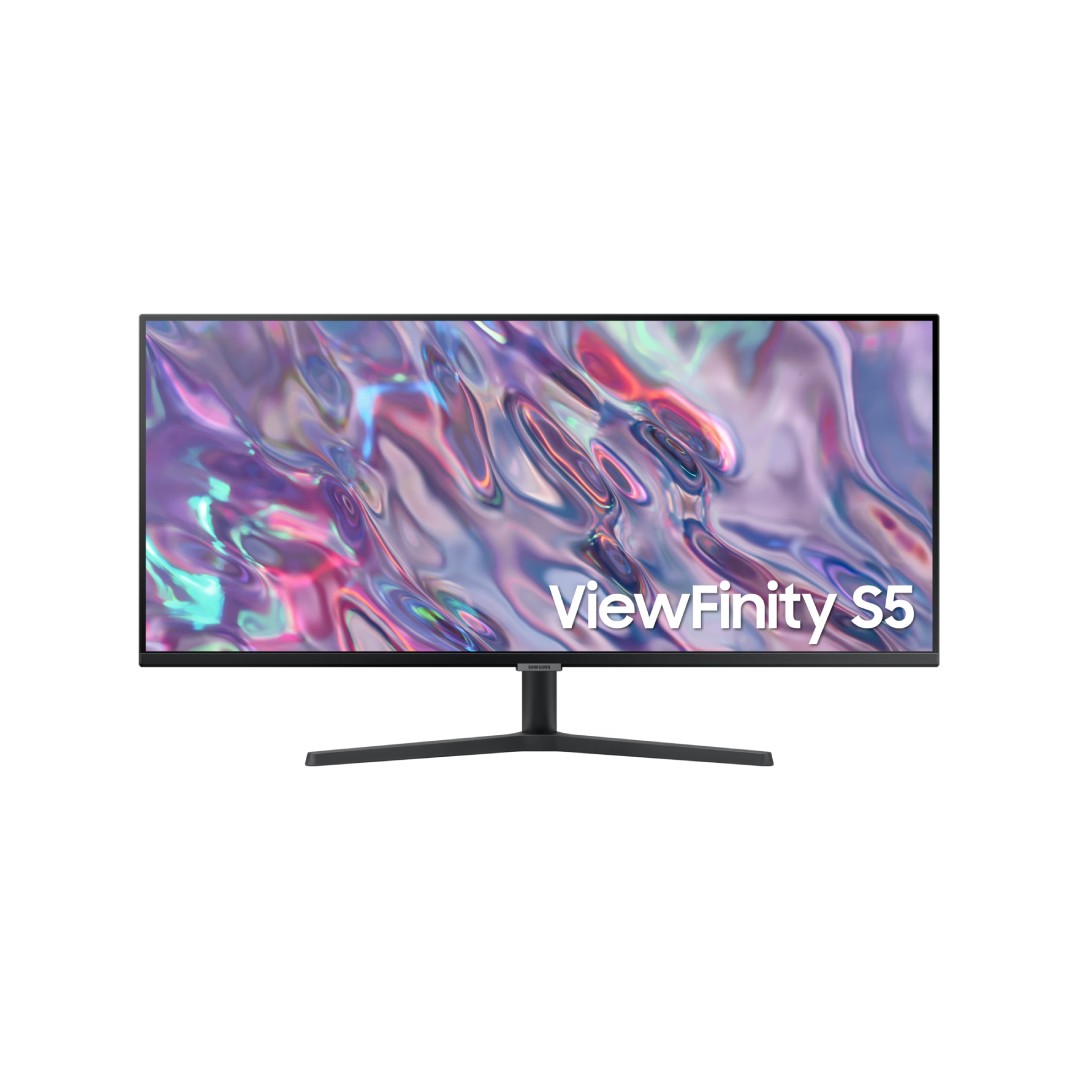
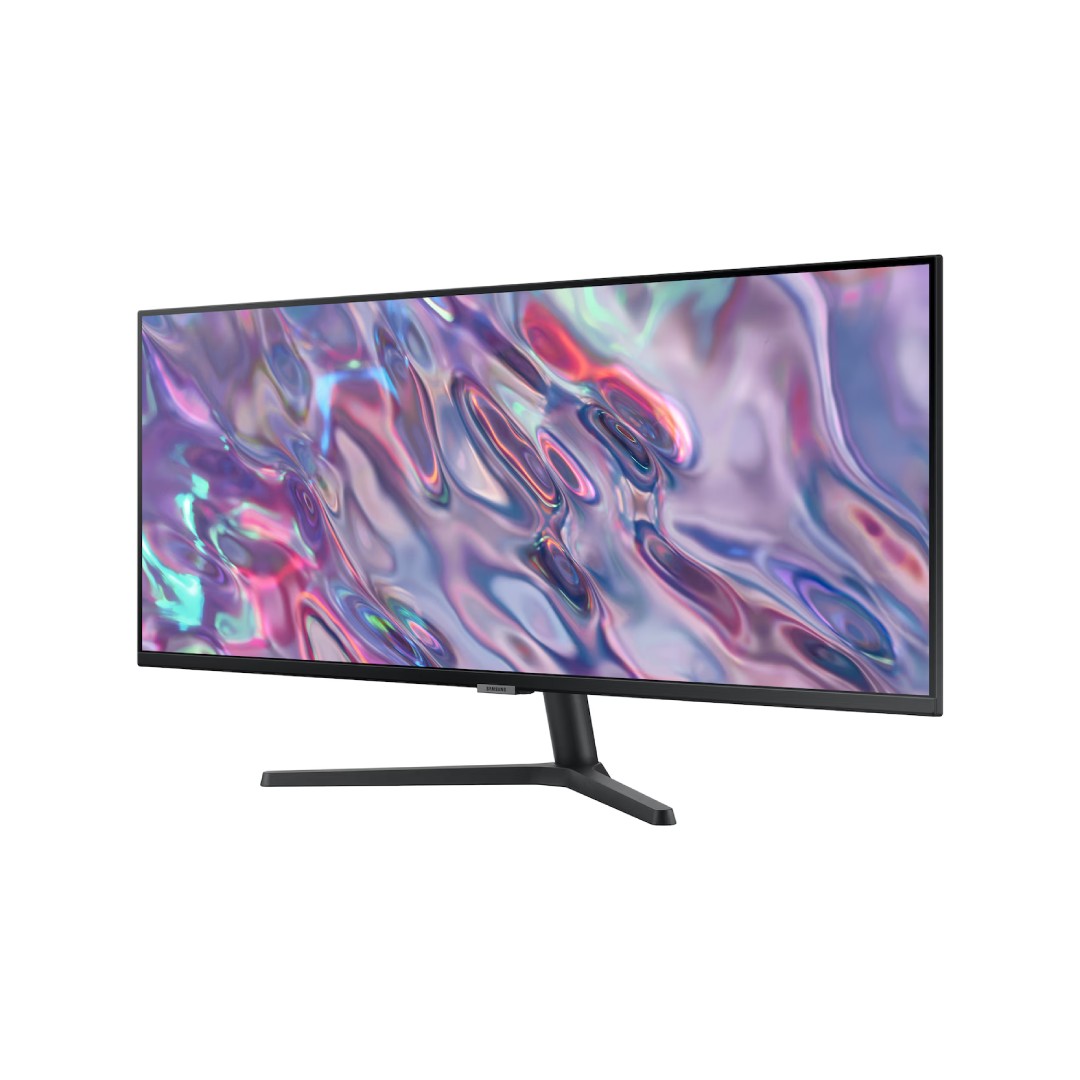
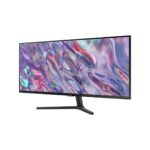
The Samsung 34″ ViewFinity S5 S50GC – LS34C500GAMXUE is a spacious ultrawide productivity monitor featuring a 34-inch flat VA panel with Ultra WQHD resolution (3440 × 1440) and a 21:9 aspect ratio, providing an expansive workspace equivalent to two side-by-side 16:9 displays for seamless multitasking, content creation, coding, spreadsheets, or immersive media viewing. The VA panel delivers high contrast (3000:1 typical) for deeper blacks and more vivid colors, combined with HDR10 support for enhanced dynamic range in compatible content, 300 cd/m² typical brightness (250 cd/m² minimum), and wide 178° viewing angles for consistent image quality from various positions.
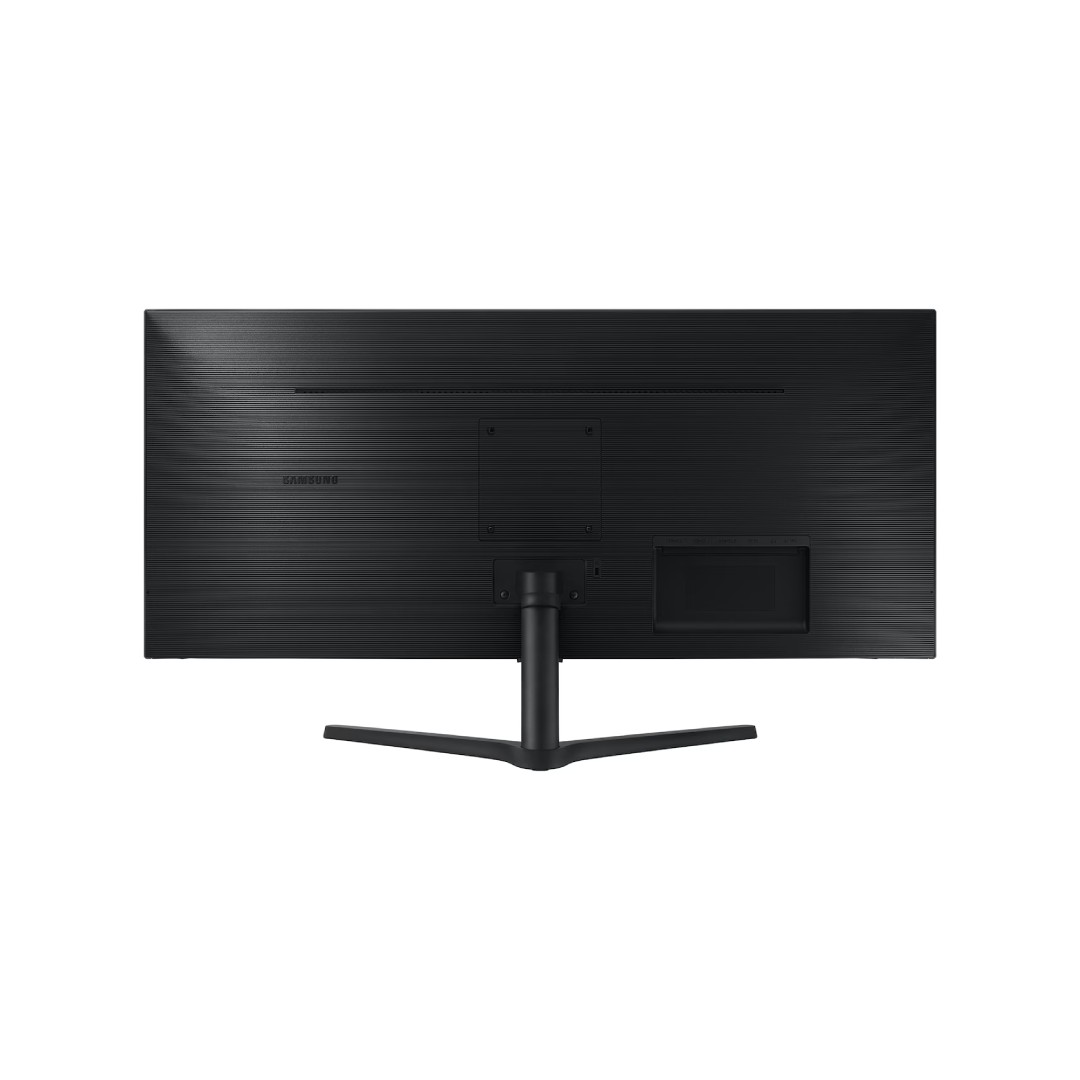
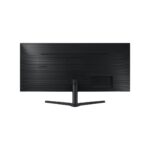
It offers a smooth 100Hz refresh rate for fluid scrolling, cursor movement, and reduced motion blur, along with a 5ms (GTG) response time and AMD FreeSync technology to minimize screen tearing and stuttering during casual gaming or fast-paced tasks. Eye-care features include Eye Saver Mode (reduced blue light) and Flicker Free technology for comfortable extended use, while Picture-in-Picture (PIP) and Picture-by-Picture (PBP) modes allow simultaneous display from multiple sources. Connectivity includes HDMI and DisplayPort ports for easy hookup to PCs, laptops, or consoles, with a borderless design that promotes clean multi-monitor setups. The slim, modern black profile and adjustable tilt stand make it a practical choice for professionals, remote workers, or home setups in Nairobi seeking high-resolution immersion without excessive curvature or premium pricing, backed by Samsung’s reliable quality and typically a 3-year warranty in many regions.
Key Features
Ultrawide 21:9 Aspect Ratio
The 34-inch screen with a 21:9 aspect ratio provides significantly more horizontal workspace than standard 16:9 monitors. This allows users to view multiple applications, documents, timelines, or browser tabs side by side without constant scrolling or switching windows.
QHD Ultrawide Resolution
With Ultra WQHD resolution of 3440 × 1440, the monitor delivers sharp, detailed visuals across the expansive panel. The higher pixel count enhances clarity for text, images, spreadsheets, video editing, and multitasking compared to Full HD equivalents.
100Hz Refresh Rate
The 100Hz refresh rate ensures smoother scrolling, cursor movement, and overall fluidity in daily use. It reduces motion blur and eye fatigue during extended work sessions or casual gaming compared to traditional 60Hz displays.
High Contrast VA Panel with HDR10
The VA panel offers a high 3000:1 static contrast ratio for deeper blacks and more vivid colors. HDR10 support enhances dynamic range in compatible content, making movies, photos, and creative work appear more lifelike and immersive.
AMD FreeSync Support
AMD FreeSync technology synchronizes the monitor’s refresh rate with compatible graphics cards to eliminate screen tearing and stuttering. This delivers smoother performance during gaming or fast-moving content without noticeable input lag.
What’s in the Box
- Monitor
- HDMI Cable
- Power Cable
FAQs
Does it support 100Hz over both HDMI and DisplayPort?
Yes, the monitor supports its full 100Hz refresh rate at 3440×1440 resolution through both HDMI (HDMI 2.0) and DisplayPort 1.2 ports. Use a high-quality HDMI 2.0 or DisplayPort cable rated for 3440×1440@100Hz. In Windows, go to Display settings → Advanced display settings → Choose refresh rate and select 100Hz. Some older GPUs or cables may limit it to 60Hz—update drivers and verify your graphics card supports ultrawide 100Hz.
Is AMD FreeSync useful for non-gaming tasks?
Yes, FreeSync works across the entire refresh range (typically 48–100Hz) to eliminate screen tearing and stuttering not only in games but also during video playback, scrolling long web pages, or using productivity apps with fast-moving content. It provides a noticeably smoother experience in everyday use, especially on a large ultrawide screen where motion is more apparent.
Can I use Picture-by-Picture (PBP) or Picture-in-Picture (PIP) effectively?
Yes, PBP mode splits the screen into two equal 17-inch 1720×1440 sections so you can view and work on two different sources (e.g., laptop + desktop, or PC + console) side by side. PIP places a smaller window from one source over the main display. These modes are very useful for multitasking—monitoring emails while working, watching reference material, or comparing documents—but note that audio only comes from the primary source.
Why is there no USB-C port or built-in speakers?
This model prioritizes core display performance and affordability over extra features. There is no USB-C (for charging/display) or USB hub, and no built-in speakers—audio must come from your connected device or external speakers/headphones via the source (PC/laptop/console). If USB-C charging or speakers are essential, consider higher-tier ViewFinity models (like S80 series) or the M-series smart monitors. The LS34C500GAMXUE focuses on resolution, refresh rate, FreeSync, and contrast at a competitive price point.

Reviews
There are no reviews yet.