
Unlimited learning possibilities.
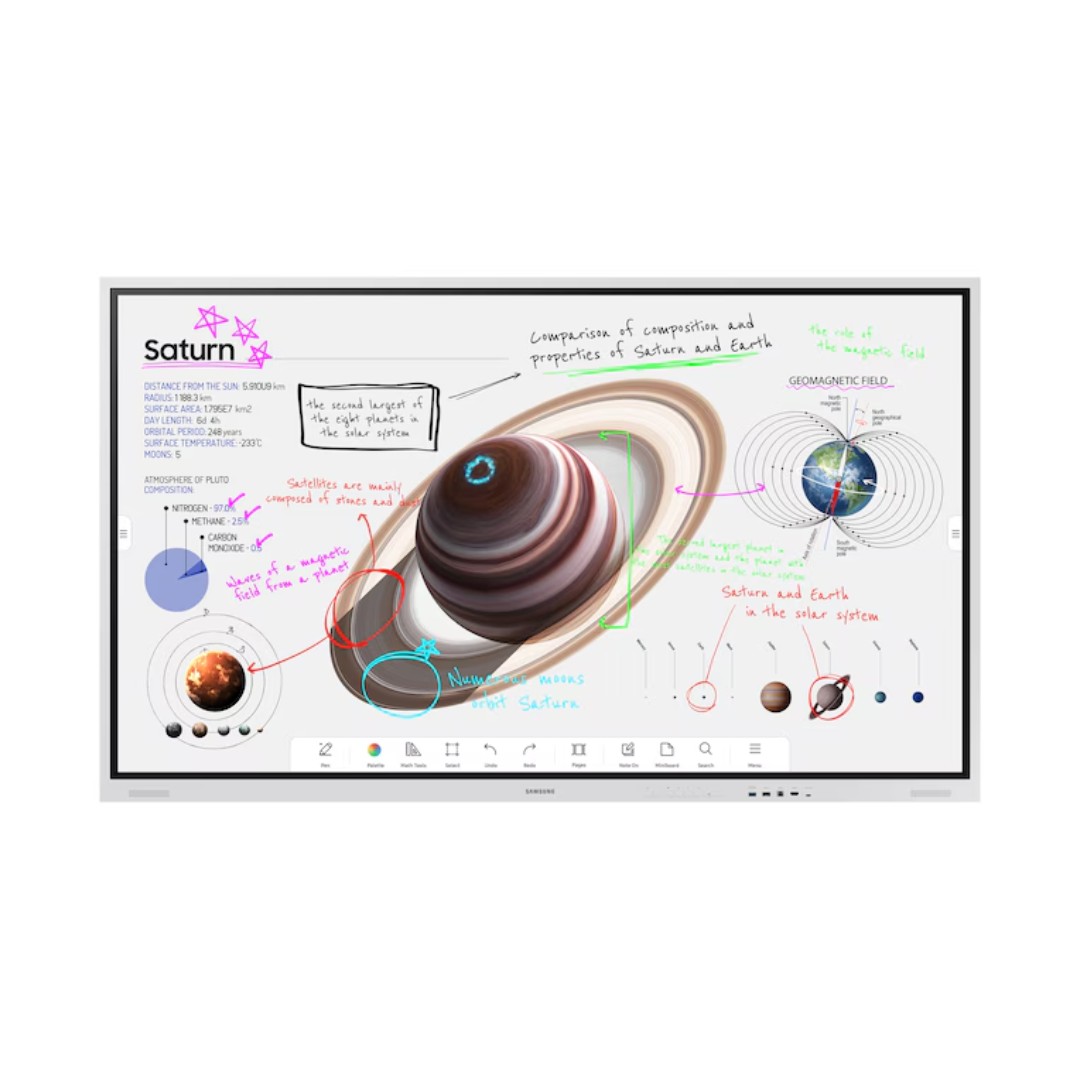
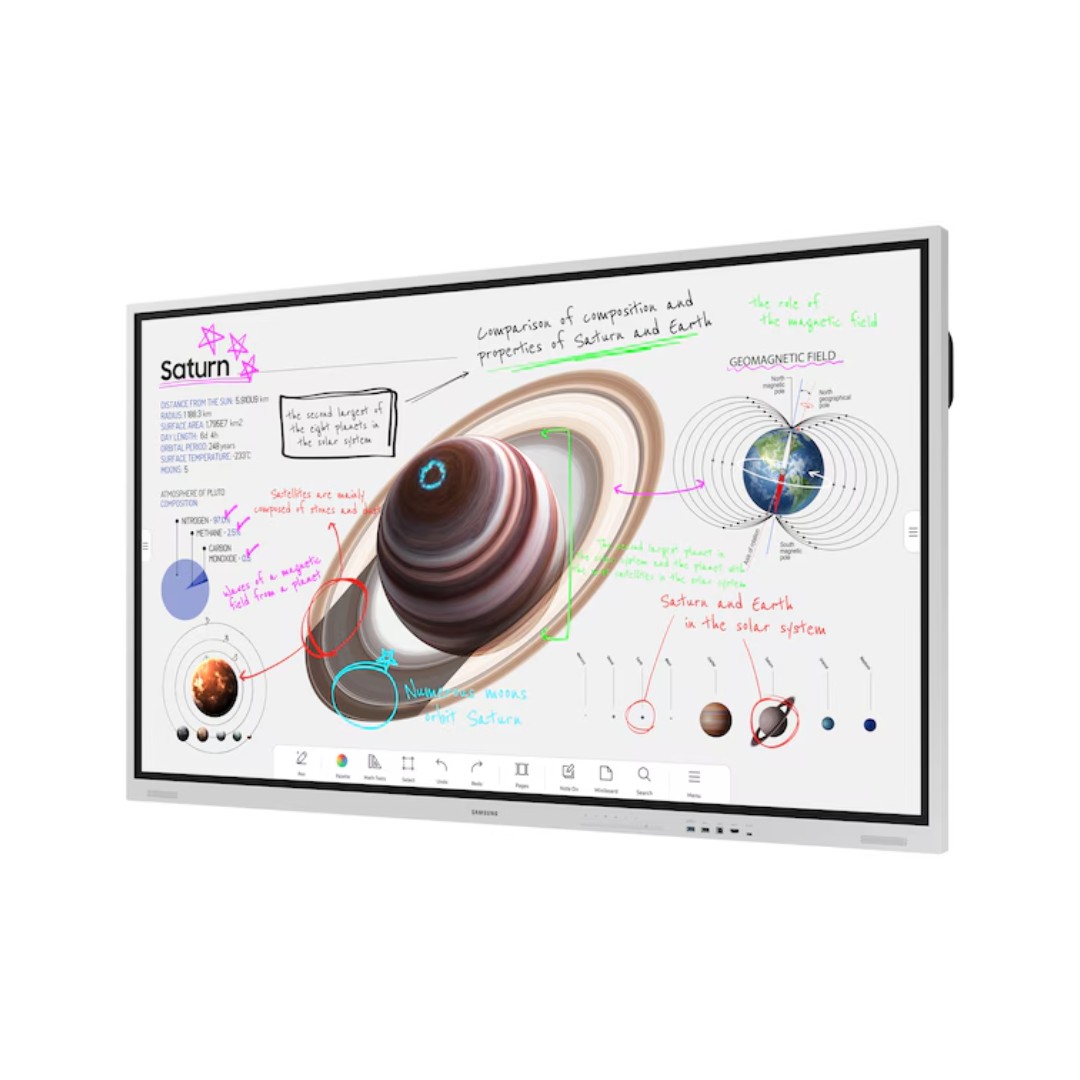
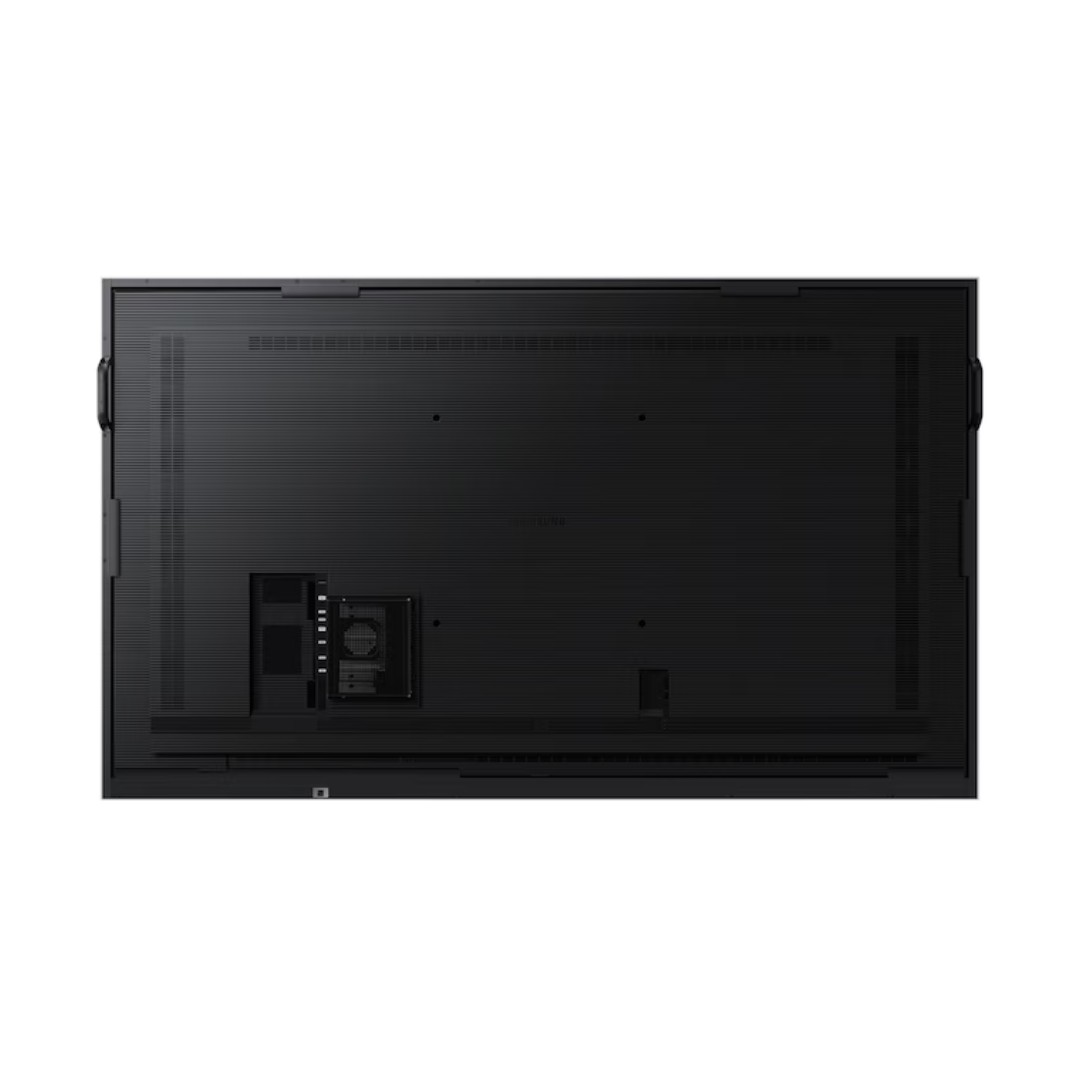
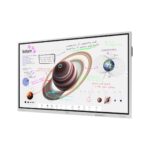
The Samsung 85″ Flip Pro WM85B Interactive Display – LH85WMBWLGCXUE is a massive, professional-grade interactive touchscreen designed for collaborative classrooms, boardrooms, training sessions, and creative workspaces, featuring an 85-inch 4K UHD VA panel (3840 × 2160 resolution) with anti-glare glass for clear visibility in bright environments. It supports ultra-fast multi-touch with up to 20 simultaneous touch points (4 drawing points in whiteboard mode) and industry-leading 26ms latency, powered by 2,048 levels of pressure sensitivity and prediction logic for a natural, pen-on-paper writing and drawing experience using included passive pens (with brush mode for dynamic strokes). The display offers versatile 3-in-1 USB-C connectivity (screen mirroring, touch control, and up to 65W device charging), HDMI/DP inputs, OPS slot for third-party PC modules, and built-in 40W 4-channel speakers for rich audio during presentations or video calls. Smart features include an intuitive whiteboard app for instant idea capture, annotation over any input source, screen sharing, and integration with Samsung Knox security for safe data handling. The robust design includes ambient light sensor for automatic brightness adjustment, durable edge-to-edge glass, and easy wall mounting or mobile stand compatibility, making it ideal for large-group collaboration, education, or business brainstorming in Nairobi conference rooms or lecture halls—backed by Samsung’s reliable enterprise support and typically a 3-year warranty.
Key Features
Massive 85-Inch 4K UHD Display
The 85-inch screen with 4K UHD resolution (3840 × 2160) provides an expansive, crystal-clear canvas for presentations, teaching, brainstorming, or video conferencing. It ensures every detail is visible even from the back of large rooms or lecture halls.
Multi-Touch and Pressure-Sensitive Writing
It supports up to 20 simultaneous touch points with ultra-low 26ms latency and 2,048 levels of pressure sensitivity. This enables natural handwriting, drawing, and annotation with included passive pens, including brush mode for varied stroke styles.
3-in-1 USB-C Connectivity
A single USB-C cable handles screen mirroring, touch input control, and up to 65W device charging simultaneously. This simplifies setup by allowing laptops or devices to connect, display content, interact, and charge without multiple cables.
Built-in Whiteboard and Annotation Tools
The integrated whiteboard app allows instant idea capture, annotation over any input source, and collaborative editing. It supports saving, sharing, and resuming sessions, making it ideal for dynamic teaching, meetings, or creative workshops.
Robust Enterprise-Grade Security and Durability
Powered by Samsung Knox security, it protects data and prevents unauthorized access. The durable edge-to-edge anti-glare glass, ambient light sensor for auto-brightness, and robust build ensure reliable performance in professional environments.
What’s in the Box
- Display
- Power cable
- User Manual
FAQs
How many people can write or draw on the screen at the same time?
The display supports up to 20 simultaneous touch points for general interaction (e.g., multiple users pointing, selecting, or moving objects). In whiteboard mode, it allows up to 4 users to draw or write simultaneously with pressure-sensitive pens. This makes it excellent for collaborative brainstorming, teaching, or group presentations where several participants can contribute at once.
Does it require a separate computer to function, or is it standalone?
It can operate standalone for many tasks thanks to the built-in Tizen OS, whiteboard app, annotation tools, screen sharing, and basic productivity features. For full PC-like functionality (e.g., running specific software, advanced multitasking, or heavy applications), you can insert an OPS (Open Pluggable Specification) PC module into the slot or connect a laptop/PC via HDMI, USB-C, or wirelessly. The 3-in-1 USB-C connection makes laptop integration very simple (display + touch + 65W charging).
Can it be used for video conferencing, and does it have a built-in camera?
It does not have a built-in webcam or microphone (you need to connect an external USB camera/speakerphone). However, it excels as a large display for video calls when paired with a connected PC/laptop or OPS module running Zoom, Teams, or Google Meet. The large 85-inch 4K screen ensures everyone in the room can clearly see participants and shared content, and the low-latency touch makes interactive whiteboarding during calls very effective.
How easy is it to set up and mount in a large room?
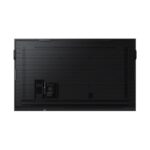
Setup is straightforward: wall-mount using the standard 600 × 400 mm VESA pattern (mount not included), or use an optional mobile stand (e.g., WMN8200SF). The ambient light sensor automatically adjusts brightness for the room’s lighting, and the intuitive Tizen interface with on-screen menus makes initial configuration quick. Multiple HDMI/USB-C ports and wireless options (Wi-Fi, Bluetooth) allow flexible device connections. Professional installation is recommended due to the 75+ kg weight and large size for safety and alignment in big spaces.

Reviews
There are no reviews yet.