
Go Beyond
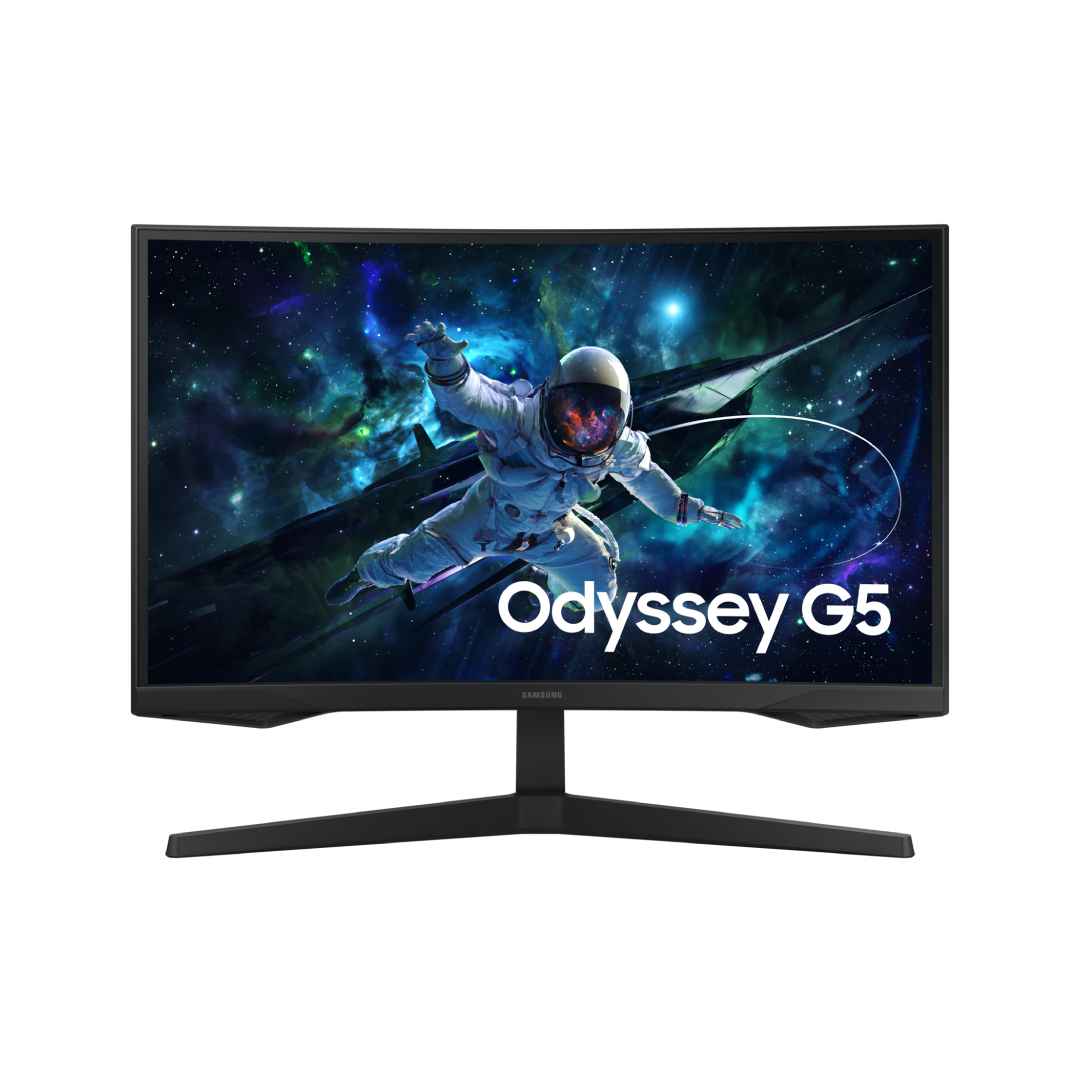
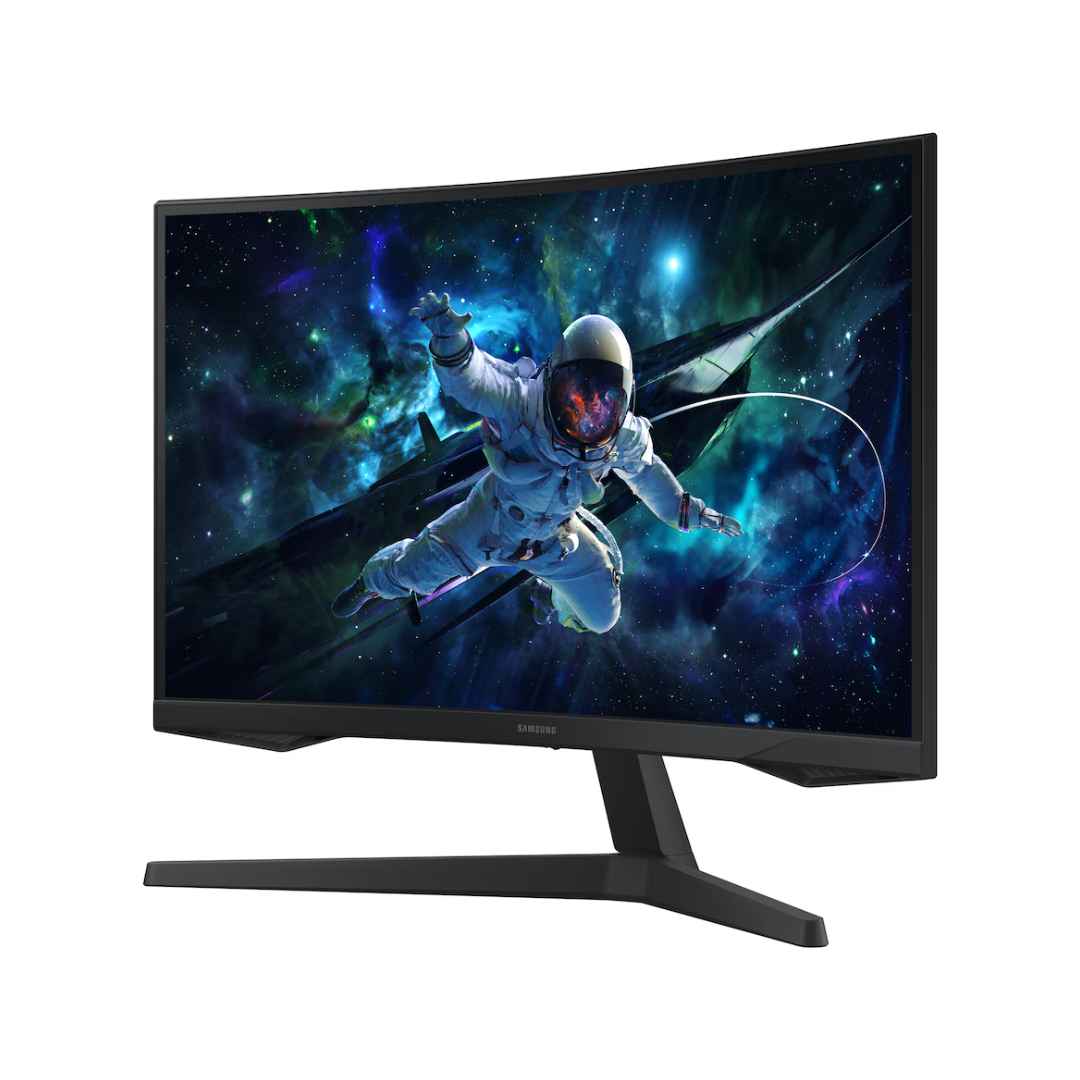
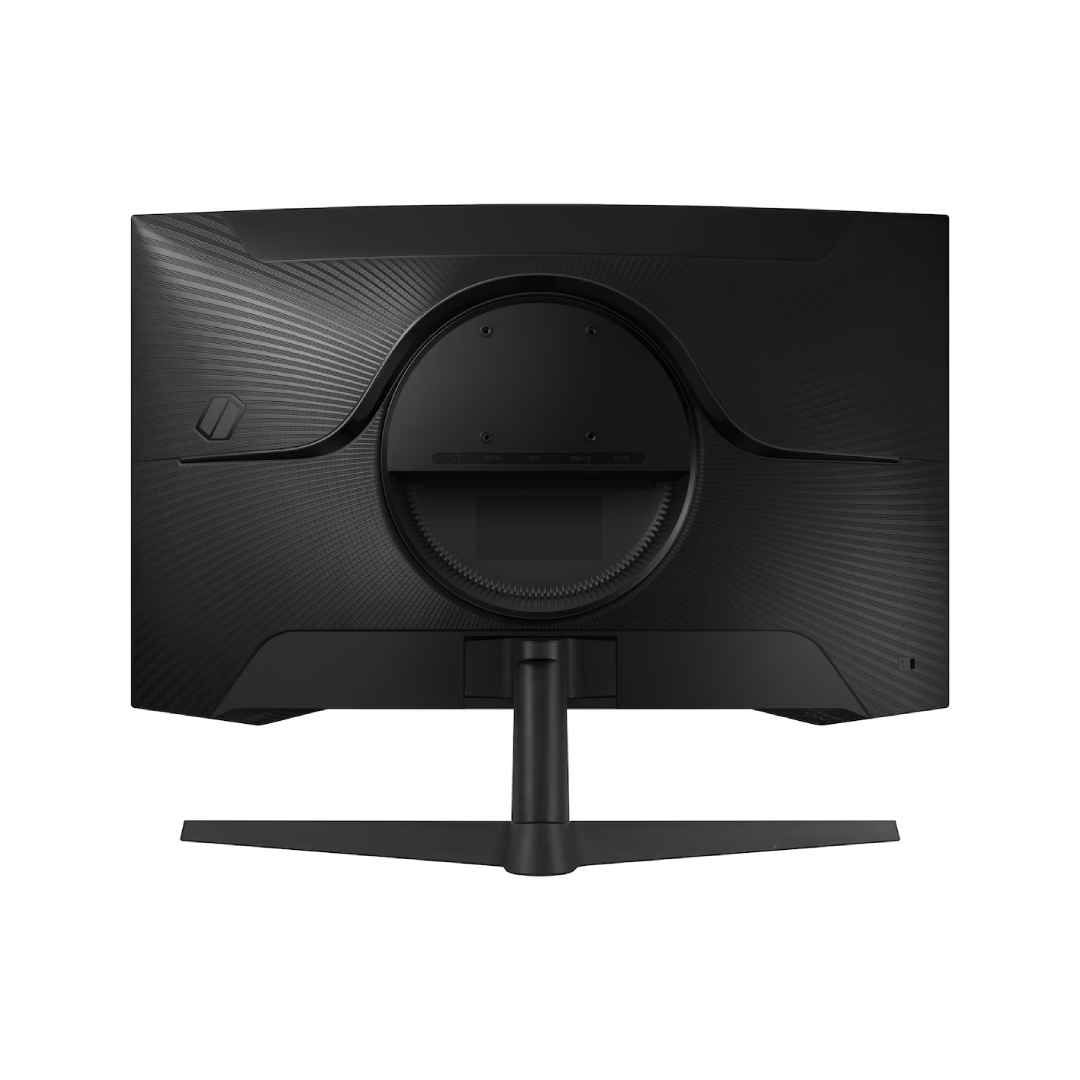
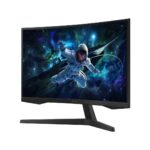
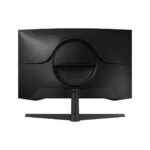
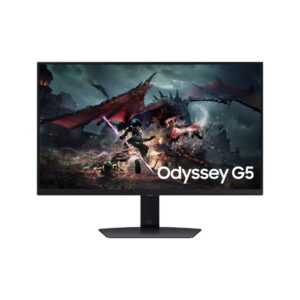
The Samsung 27″ Odyssey G5 G55C QHD 165Hz Curved Gaming Monitor – LS27CG552EMXUE is a budget-friendly curved gaming display featuring a 27-inch VA panel with Ultra WQHD resolution (2560 × 1440) and a deep 1000R curvature that wraps the screen around your field of view for heightened immersion and reduced eye strain during intense sessions. It delivers an ultra-smooth 165Hz refresh rate paired with a 1ms (MPRT) response time to minimize motion blur, ghosting, and input lag, while AMD FreeSync Premium Pro (with G-Sync compatibility) eliminates screen tearing and stuttering for fluid gameplay on compatible AMD or NVIDIA GPUs. VESA DisplayHDR 400 support enhances dynamic range with brighter highlights and deeper contrasts for more vibrant HDR content, backed by 300 cd/m² typical brightness and a high 2500:1 static contrast ratio for rich blacks and vivid colors in games, movies, or creative work. Eye-care technologies like Eye Saver Mode (reduced blue light) and Flicker Free operation help reduce fatigue during long playtimes, and the sleek black design with slim bezels promotes a clean, modern look suitable for multi-monitor setups. Connectivity includes HDMI 2.0 and DisplayPort 1.2 ports for easy hookup to PCs or consoles, making this an excellent entry-to-mid-range choice for competitive gaming, esports, or everyday entertainment in Nairobi setups, backed by Samsung’s solid build quality and typically a 3-year warranty in most regions.
Key Features
1000R Curved Immersion
The deep 1000R curvature wraps the 27-inch screen around your field of view, enhancing immersion and reducing eye strain during extended gaming sessions. This design draws you into the action for more engaging gameplay and cinematic experiences.
165Hz Refresh Rate with 1ms Response
It offers an ultra-smooth 165Hz refresh rate combined with a 1ms MPRT response time, eliminating motion blur, ghosting, and input lag. This ensures fluid, responsive performance in fast-paced competitive games and dynamic content.
QHD VA Panel
The Ultra WQHD resolution of 2560 × 1440 on a VA panel delivers sharp details, high 2500:1 contrast for deeper blacks, and vibrant colors. It provides excellent visual fidelity for gaming, movies, and multitasking.
AMD FreeSync Premium Pro
AMD FreeSync Premium Pro with G-Sync compatibility synchronizes the refresh rate to prevent screen tearing and stuttering across a wide frame range. This delivers tear-free, consistent performance on both AMD and NVIDIA GPUs.
VESA DisplayHDR 400
VESA DisplayHDR 400 certification boosts dynamic range with 300 cd/m² brightness, offering brighter highlights and enhanced contrast for lifelike HDR visuals in supported games and media.
What’s in the Box
- Monitor
- Power Cable
- HDMI Cable
- DP Cable
FAQs
Does the 1000R curve feel too aggressive for productivity or non-gaming use?
The 1000R curvature is quite deep and immersive for gaming, but some users find it noticeable or slightly distorting for office work, spreadsheets, coding, or photo editing where straight lines matter. It excels in gaming and media consumption (movies, racing sims, FPS titles), but if you plan to use it primarily for productivity, a flat monitor might feel more natural. Many gamers adapt quickly and love the wrap-around feel.
Can I run 165Hz at QHD on both HDMI and DisplayPort?
Yes, the monitor supports 165Hz at 2560×1440 through both HDMI 2.0 and DisplayPort 1.2 when using high-quality cables rated for 1440p@165Hz. DisplayPort is usually more reliable for the highest refresh rates. In Windows, go to Display settings → Advanced display settings → Choose refresh rate and select 165Hz. Update your GPU drivers and confirm your graphics card supports 1440p@165Hz (most mid-range and above modern GPUs do).
Is AMD FreeSync Premium Pro the same as G-Sync?
AMD FreeSync Premium Pro is certified for tear-free performance with low framerate compensation and HDR support. It is also G-Sync Compatible (validated by NVIDIA), so it works seamlessly with both AMD and NVIDIA GPUs. Enable FreeSync in the monitor’s OSD menu and G-Sync in the NVIDIA Control Panel for best results—no manual tweaking needed in most cases.
Does the monitor have built-in speakers or a headphone jack?
No built-in speakers are included—this model prioritizes visual performance over audio. It does have a 3.5mm headphone/audio-out jack, so you can connect a gaming headset, external speakers, or soundbar directly to the monitor for audio output from your PC or console.

Reviews
There are no reviews yet.