
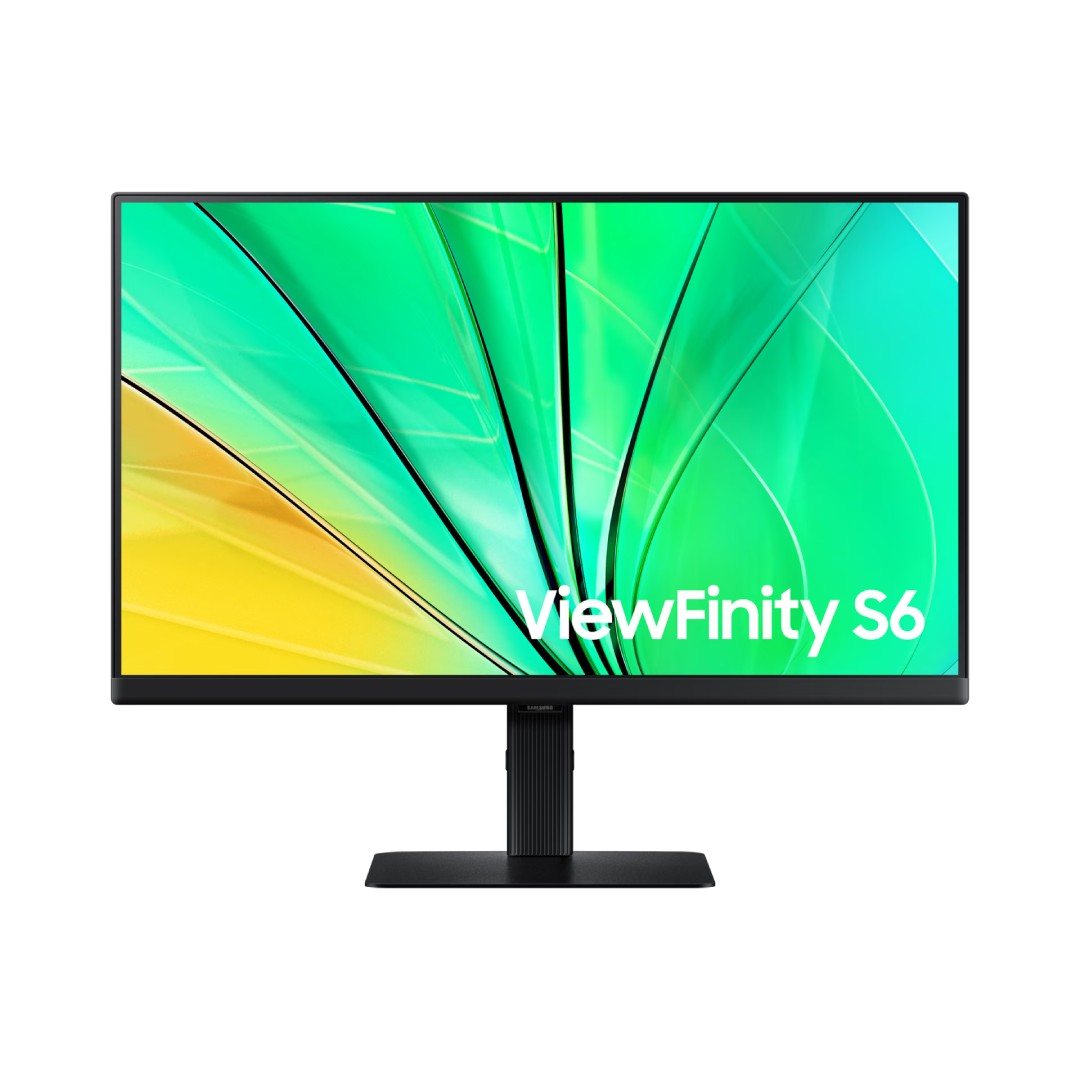
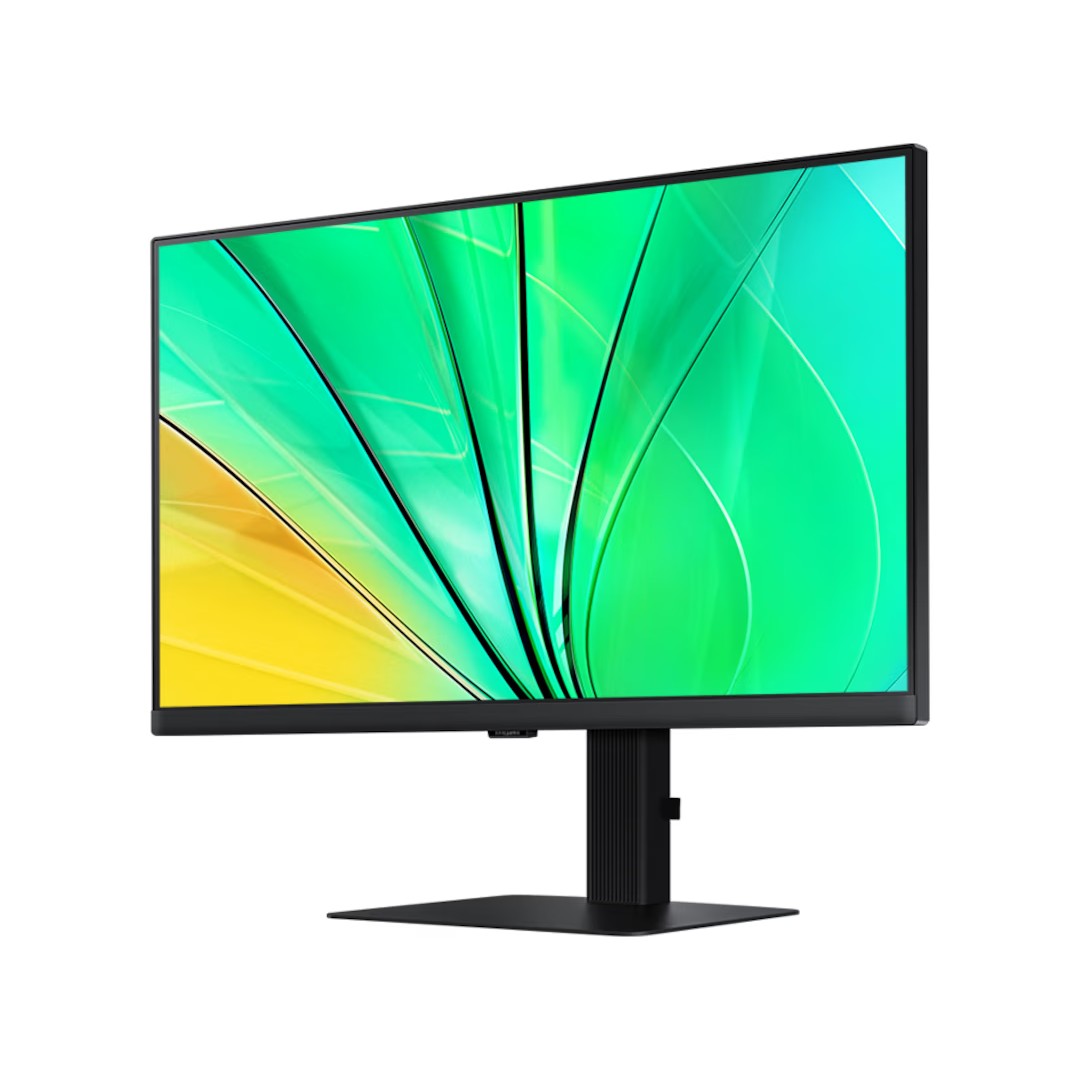
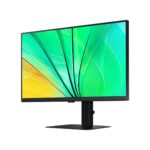
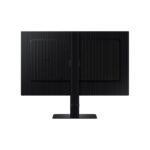
The Samsung 24″ S60D QHD ViewFinity High-Resolution Monitor – LS24D606EAMXUE is a professional-grade 24-inch IPS display tailored for productivity, creative work, and everyday multitasking, featuring QHD resolution (2560 × 1440) for sharper details and higher pixel density than Full HD, revealing finer text, images, and visuals with greater clarity on a 16:9 aspect ratio screen. The IPS panel ensures accurate colors, wide 178° horizontal and vertical viewing angles, and consistent image quality from any position, while HDR10 support enhances dynamic range for more vibrant contrasts and lifelike colors in supported content.
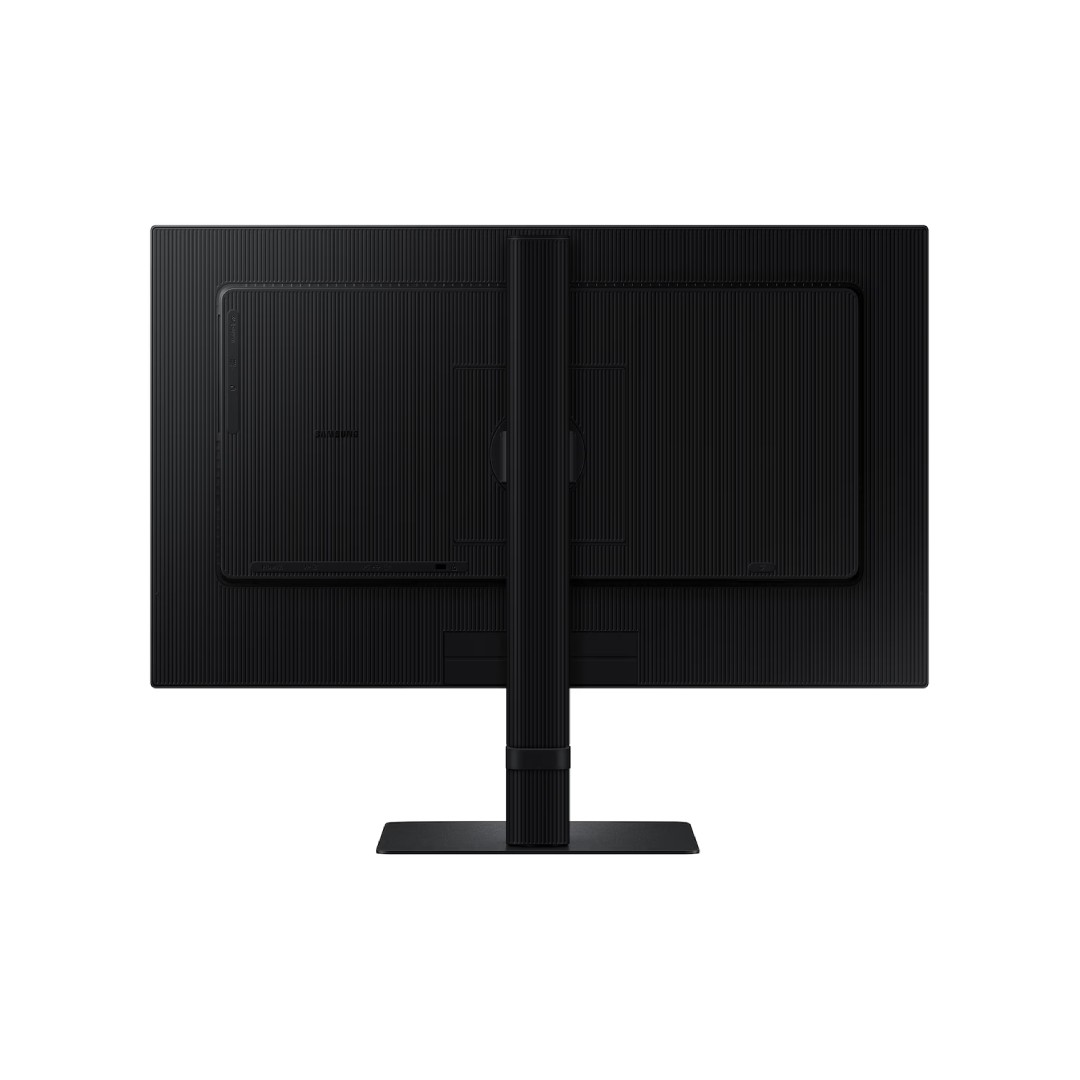
With a 100Hz refresh rate, it offers smoother scrolling, cursor movement, and motion compared to standard 60Hz monitors, paired with a 5ms (GTG) response time to minimize blur and ghosting during fast actions or light gaming. Brightness reaches up to 350 cd/m² (typical, 280 cd/m² minimum), delivering clear visibility in well-lit environments, and the monitor includes eye-care features like Intelligent Eye Care (TÜV-certified for reduced blue light and flicker-free operation) to minimize strain during long sessions. Connectivity includes HDMI, DisplayPort, and USB ports for versatile setup, with an ergonomic Easy Setup Stand that allows quick assembly, height adjustment, tilt, swivel, and pivot (for portrait mode) to optimize comfort and workflow. The slim, borderless design promotes a clean aesthetic and multi-monitor configurations, making this a reliable, value-focused choice for office professionals, designers, or home users seeking enhanced resolution and smooth performance in a compact 24-inch form factor, backed by Samsung’s quality assurance and typically a 3-year warranty in most regions.
Key Features
QHD High-Resolution Display
The 24-inch screen delivers QHD resolution of 2560 × 1440, providing significantly sharper text, images, and details compared to Full HD. This higher pixel density makes it ideal for productivity, content creation, detailed spreadsheets, coding, or viewing high-quality media.
IPS Panel with Wide Viewing Angles
The IPS technology ensures accurate colors and consistent image quality with 178-degree horizontal and vertical viewing angles. Multiple users can view the screen from different positions without color shift or distortion, perfect for collaborative work or shared viewing.
100Hz Refresh Rate
With a 100Hz refresh rate, the monitor offers smoother motion and reduced blur during scrolling, cursor movement, video playback, or light gaming. It provides a noticeably more fluid experience than standard 60Hz displays for everyday tasks.
Eye Comfort and Intelligent Eye Care
Intelligent Eye Care (TÜV-certified) automatically adjusts brightness and reduces harmful blue light based on ambient lighting and usage time. Flicker-free technology further minimizes eye strain, making it comfortable for long work or study sessions.
Ergonomic Adjustable Stand
The Easy Setup Stand supports height adjustment, tilt, swivel, and pivot (for portrait mode), allowing users to find the most comfortable viewing position quickly. This flexibility improves posture and workflow efficiency during extended use.
What’s in the Box
- Monitor
- Power Cable
- HDMI Cable
- DP Cable
- User Guide
FAQs
Does it support 100Hz over both HDMI and DisplayPort?
Yes, the monitor supports its full 100Hz refresh rate at QHD resolution (2560×1440) through both HDMI 2.0 and DisplayPort 1.2 ports. Make sure your cable is high-quality (HDMI 2.0 or better) and your graphics card supports 1440p@100Hz. In Windows, select 100Hz in Display settings → Advanced display settings → Choose refresh rate.
Can I use it for portrait mode (vertical orientation)?
Yes, the stand supports full pivot adjustment (±92°), allowing you to rotate the screen to portrait mode easily. This is great for coding, reading long documents, editing spreadsheets, or social media management. After pivoting, Windows/macOS usually auto-detects the orientation, but you may need to adjust display settings manually.
Does it have built-in speakers or a headphone jack?
No built-in speakers are included—this model focuses on visual quality rather than audio. It does have a 3.5mm headphone/audio-out jack, so you can connect external speakers, a headset, or a soundbar directly to the monitor for audio output from your connected PC or laptop.
Is the color accuracy good enough for photo/video editing?
The monitor covers 99% sRGB (typical) with good factory calibration for general creative work. It’s suitable for hobbyist photo editing, light video work, or content creation where color-critical professional accuracy (e.g., Adobe RGB 100% or factory Delta E <2) isn’t required. For serious color grading, a higher-end ViewFinity or professional monitor with wider gamut and hardware calibration is recommended.

Reviews
There are no reviews yet.