
The Legacy of Excellence, Thriving Further
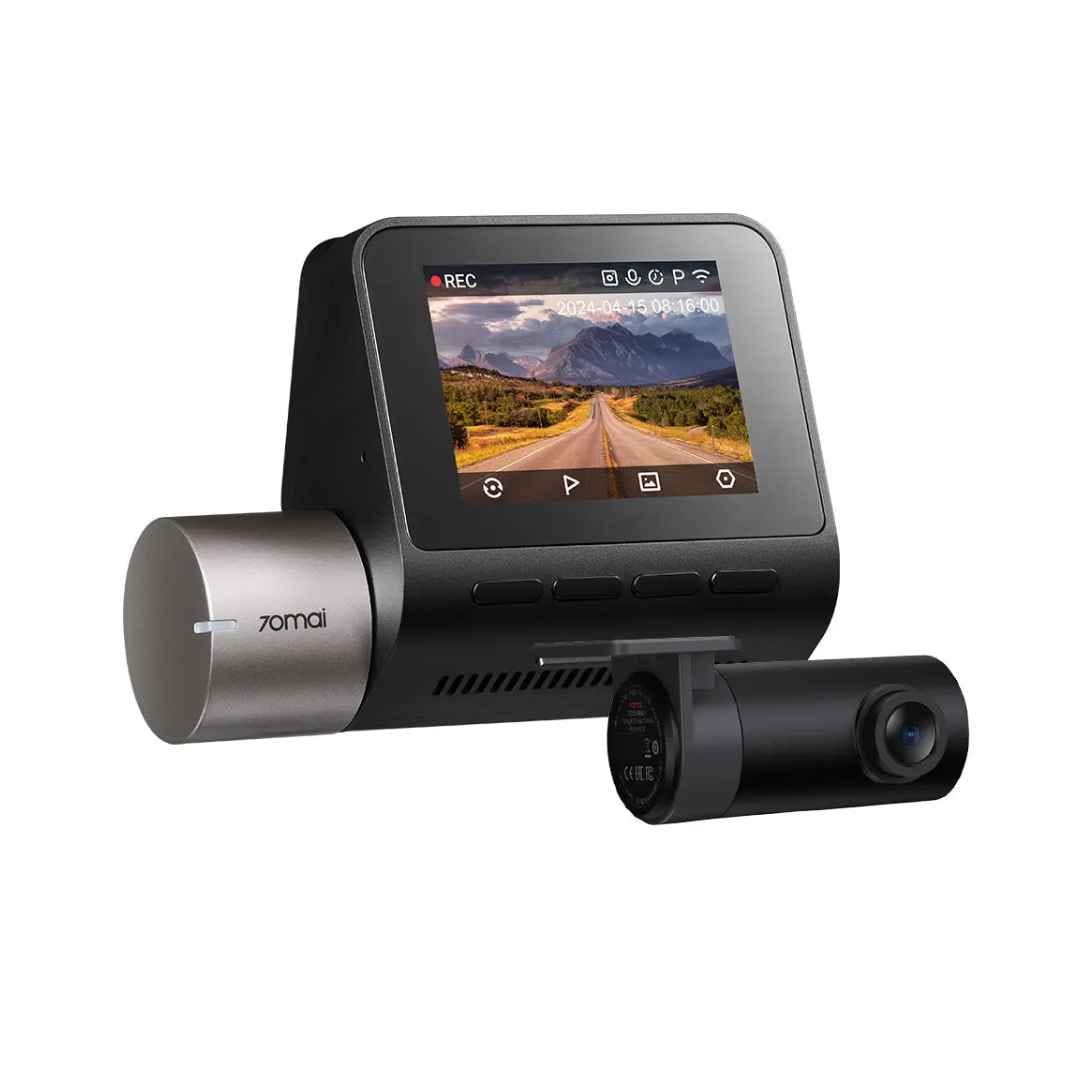
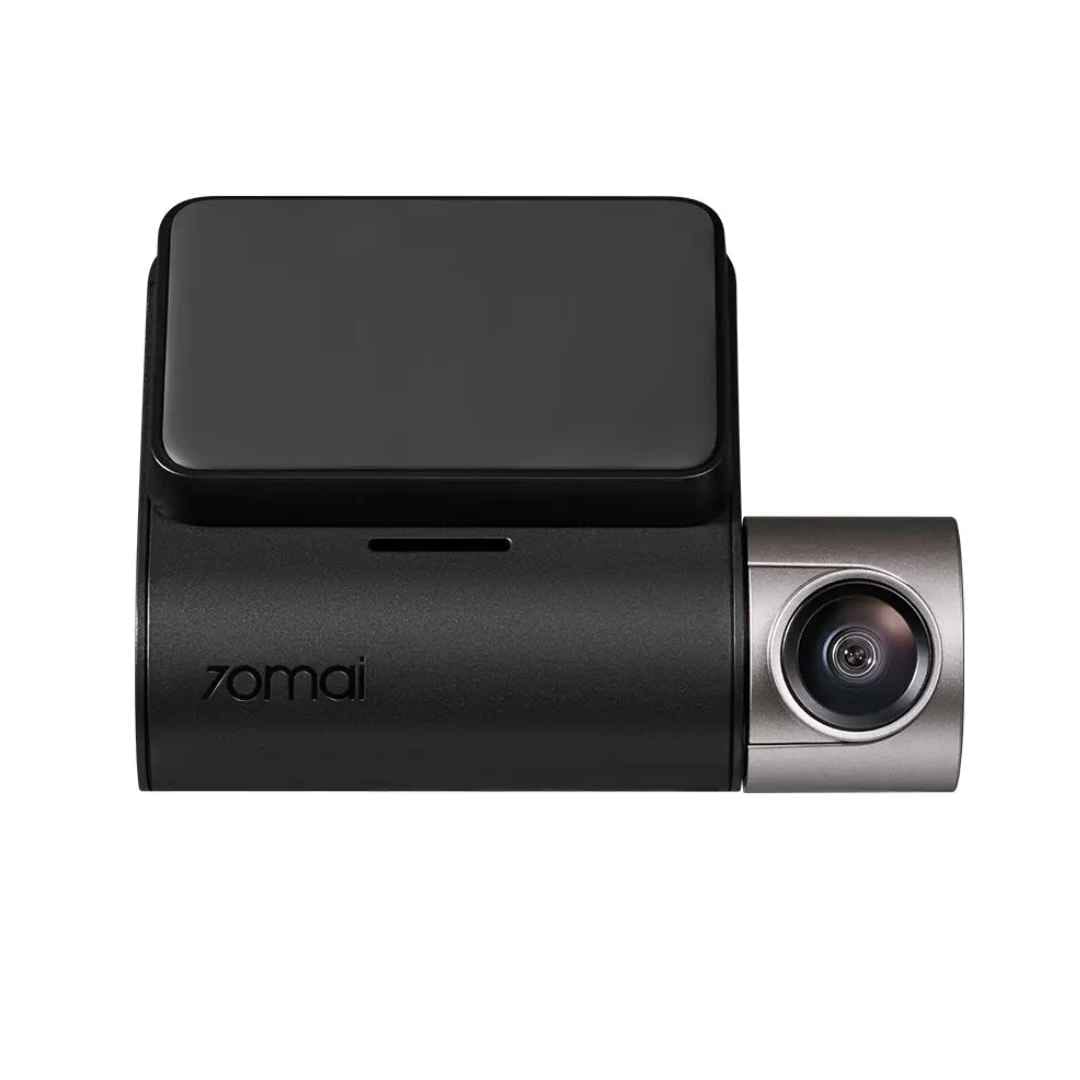
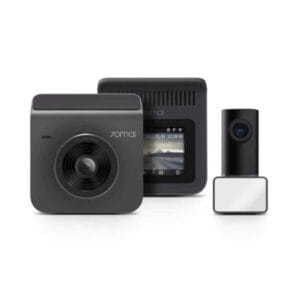
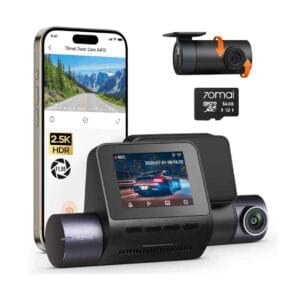
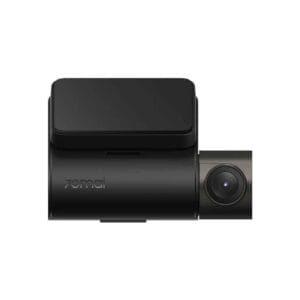
The 70mai Dash Cam A510 3K Set delivers exceptional front recording in stunning 1944P (approximately 3K) resolution powered by the advanced Sony STARVIS 2 IMX675 sensor, paired with an included rear camera for 1080P Full HD dual-channel coverage, providing comprehensive all-around protection and clear evidence on the road.
Featuring dual HDR technology, MaiColor Vivid+ for vibrant colors, and 70mai Night Owl Vision for superior low-light performance, it captures sharp details like license plates and road signs day or night. With built-in GPS for route tracking, ADAS for safety alerts, Wi-Fi app control for easy management, and 24-hour parking surveillance (with optional hardwire kit), this compact dash cam ensures reliable security, seamless connectivity, and peace of mind for every drive.
Key Features
Sony STARVIS 2 IMX675 Sensor
Powered by the advanced Sony STARVIS 2 IMX675 sensor, the A510 delivers exceptional image quality with superior low-light performance, wide dynamic range, and reduced noise, capturing sharp 1944P footage that reveals fine details like license plates even in challenging conditions.
Dual HDR and Night Owl Vision
Dual HDR technology combined with 70mai’s exclusive Night Owl Vision and MaiColor Vivid+ ensures balanced exposure, vibrant colors, and clear visibility day or night, minimizing glare and enhancing details in high-contrast or dark environments for reliable evidence.
Built-in GPS and ADAS
The integrated GPS module accurately logs real-time speed, location, and route data, while the Advanced Driver Assistance System (ADAS) provides safety alerts such as lane departure warnings and forward collision notifications to promote safer driving.
Dual-Channel Recording
With front 1944P resolution and included rear 1080P camera, the A510 offers comprehensive front-and-rear coverage across a wide 140° field of view, protecting against incidents from all directions with simultaneous high-quality recording.
App Control and 24-Hour Parking Surveillance
Seamless Wi-Fi connectivity to the 70mai app allows live viewing, playback, downloads, and settings management from your smartphone, while optional hardwire kit enables 24-hour parking mode with collision detection and time-lapse recording for constant vehicle protection.
What’s in the Box
- 70mai Dash Cam A510 front camera
- Rear camera
- Mounting bracket for front camera
- Additional electrostatic sticker(s) and spare adhesive tape
- Dual USB car charger
- Power cable
- Rear camera connecting cable
- Pry tool
- User manual
FAQs
How do I enable 24-hour parking surveillance on the 70mai Dash Cam A510?
To activate 24-hour parking surveillance, you must install the optional 70mai Hardwire Kit (UP03 or UP05 for 4G models), which connects directly to your vehicle’s battery for constant power. Once installed, enable parking modes like collision detection or time-lapse in the dash cam settings via the 2-inch screen or the 70mai app; the built-in G-sensor will trigger recordings on impacts when the car is off.
What type and capacity of microSD card is recommended for the A510?
The A510 supports microSD cards from 32GB to 256GB with a minimum U1/Class 10 speed rating (U3 recommended for best performance). Use high-endurance cards from reputable brands like the official 70mai card, Samsung, SanDisk, or Kingston. Always format the card in the dash cam before first use to ensure compatibility and reliability.
Can HDR and 60 fps be enabled at the same time on the A510?
No, HDR and 60 fps cannot be used simultaneously due to processing limitations of the controller. HDR mode is available at 30 fps for balanced exposure and superior low-light performance, while 60 fps provides smoother motion capture without HDR.
How do I calibrate or enable the ADAS features on the A510?
ADAS (lane departure and forward collision warnings) is enabled through the 70mai app in the settings menu. Upon first activation, the system automatically calibrates by driving on a road with clear lane markings; toggle ADAS off and on again in the app if recalibration is needed. Ensure the lens is clean and properly aligned for accurate warnings.

Reviews
There are no reviews yet.