
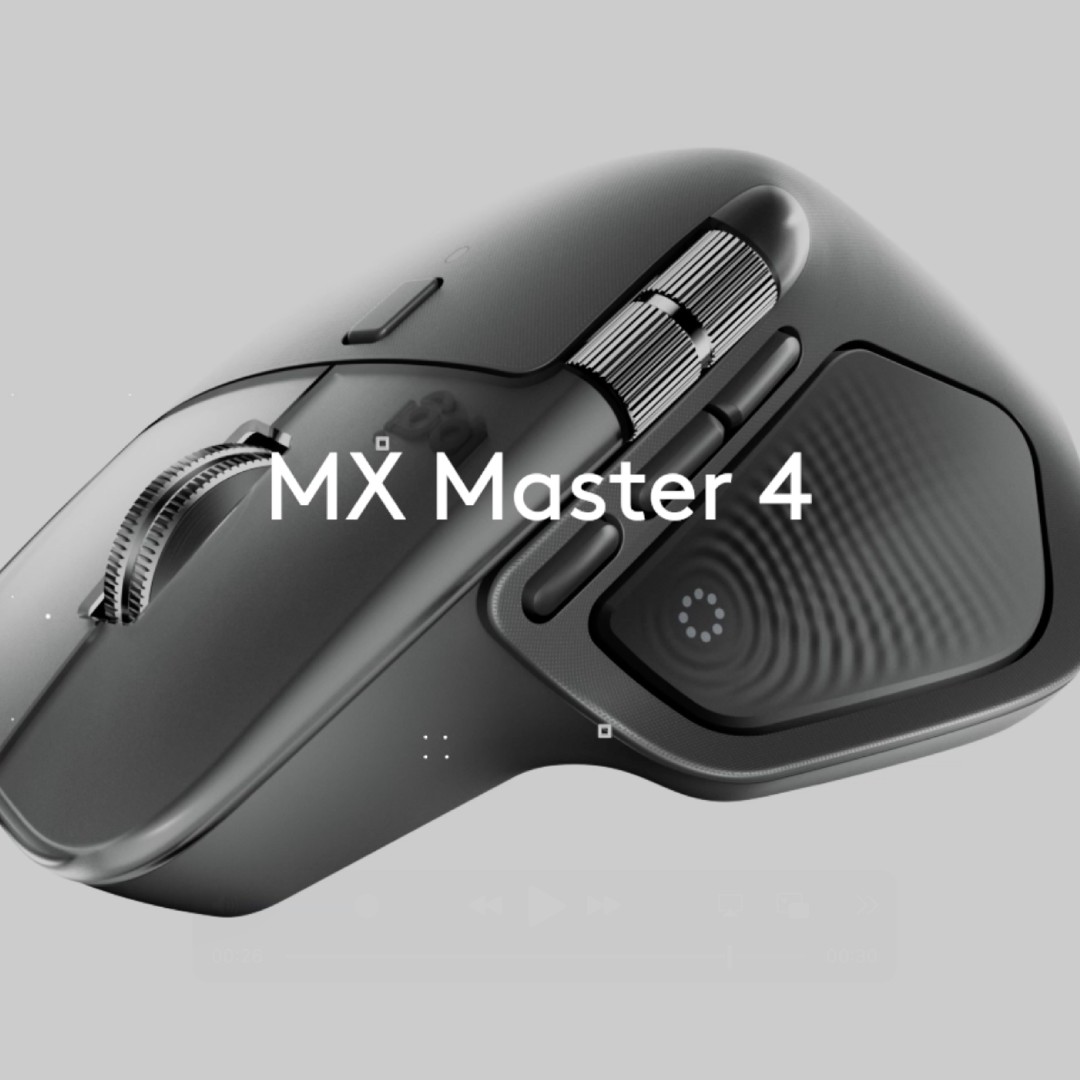
If you spend hours every day at a desk, you know how much a great mouse can change your workflow. The Logitech MX Master 4 is Logitech’s latest flagship productivity mouse, and it’s built exactly for people like us—designers, writers, developers, accountants, and anyone who wants comfort, speed, and smart shortcuts without the hassle of cables.
Released in late 2025, the Logitech MX Master 4 builds on the hugely popular MX Master 3S with thoughtful upgrades: haptic feedback, a smarter gesture button, improved materials, and an “Action Ring” that turns repetitive tasks into one-click wins. Priced at around $119.99 (roughly KSh 15,500–21,000 in Kenya depending on the retailer), it’s not cheap—but for many professionals, it quickly becomes the most-used tool on their desk.
In this in-depth Logitech MX Master 4 review, we’ll cover everything you need to know: design, ergonomics, new haptic features, battery life, software tricks, real-world performance, and how it stacks up against the MX Master 3S and other mice. By the end, you’ll know exactly whether this wireless productivity mouse is the right upgrade for you.
Design and Build Quality: Premium Feel That Lasts
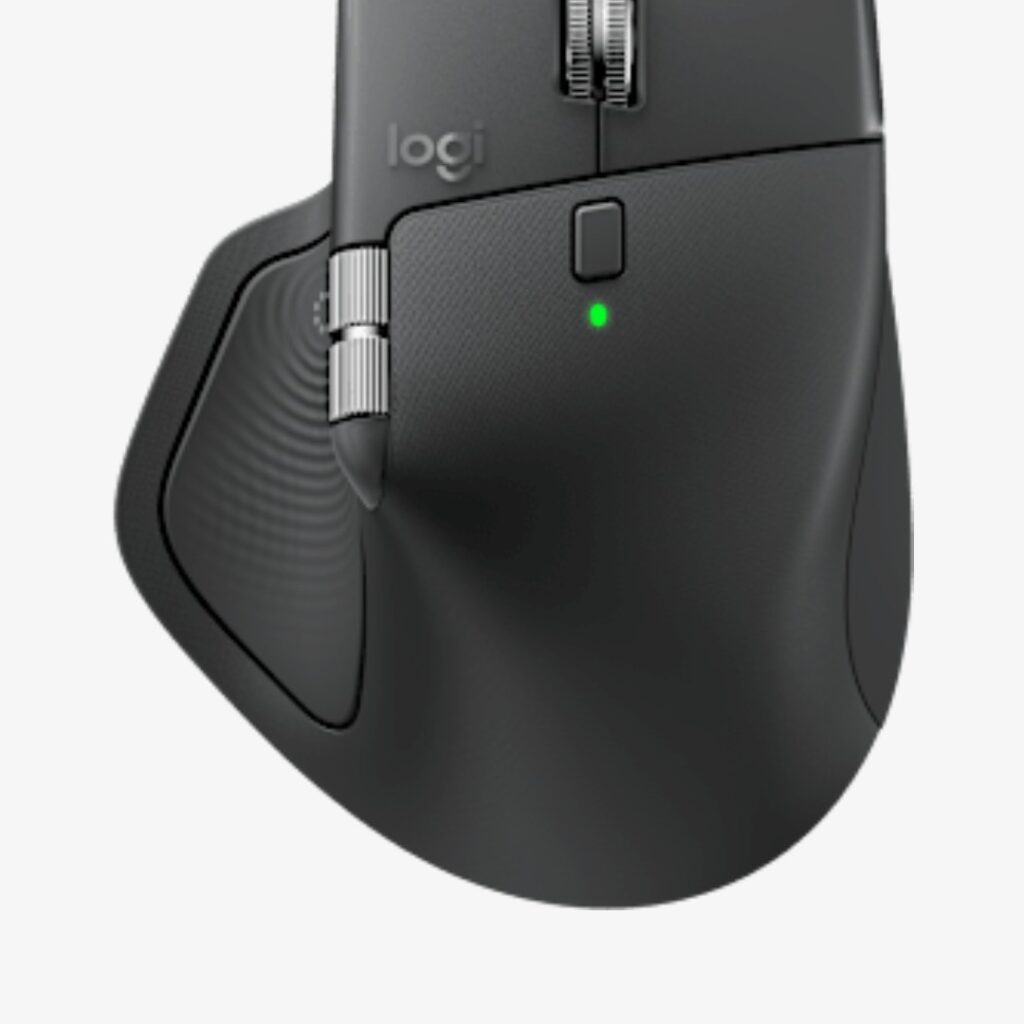
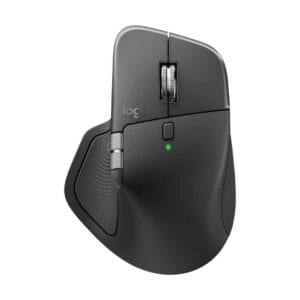
The Logitech MX Master 4 keeps the iconic sculpted shape that made the series famous, but Logitech refined it for better durability and everyday comfort. It measures approximately 128.2 x 88.4 x 50.8 mm and weighs 150g—only 9g heavier than the 3S, yet the difference feels noticeable in a good way.
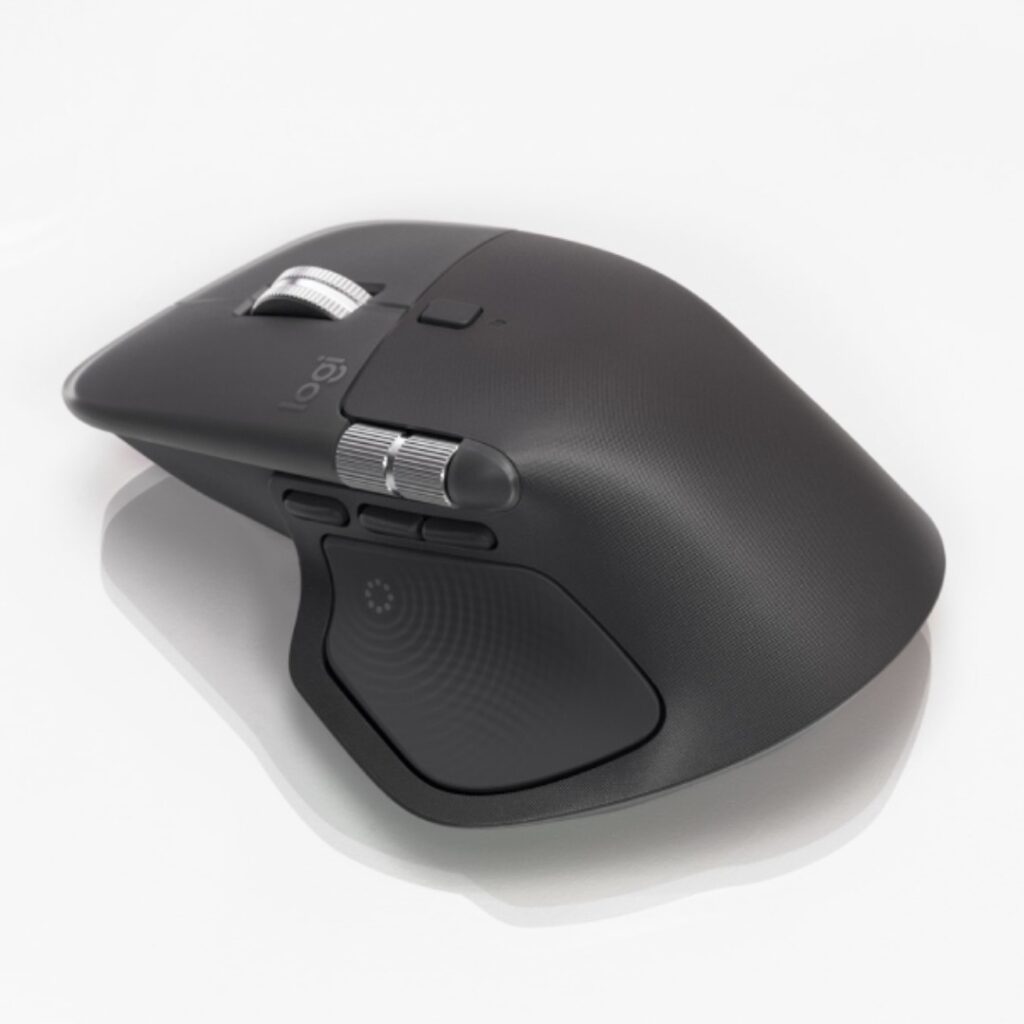
The biggest material upgrade is the switch from the soft-touch rubber coating on earlier models to a textured hard plastic with dense silicone grips on the thumb rest and right side. This makes the mouse far less prone to fingerprints, sweat stains, and wear over time. It also feels more premium and grippy during long work sessions.
The mouse is right-handed only, with a natural palm-and-thumb support that cradles larger hands perfectly. Smaller hands may find the width a touch generous, but most users adapt quickly. The base has large, smooth glide pads that let it glide effortlessly on desks, glass, or even fabric.
Standout Features That Boost Productivity
MagSpeed Electromagnetic Scroll Wheel
This is still the star of the show. Flick the wheel and it flies through long documents or web pages in free-spin mode. Slow it down and it clicks into precise notched mode—perfect for line-by-line reading. You can switch modes manually or let the mouse decide based on speed.
New Haptic Sense Panel and Action Ring
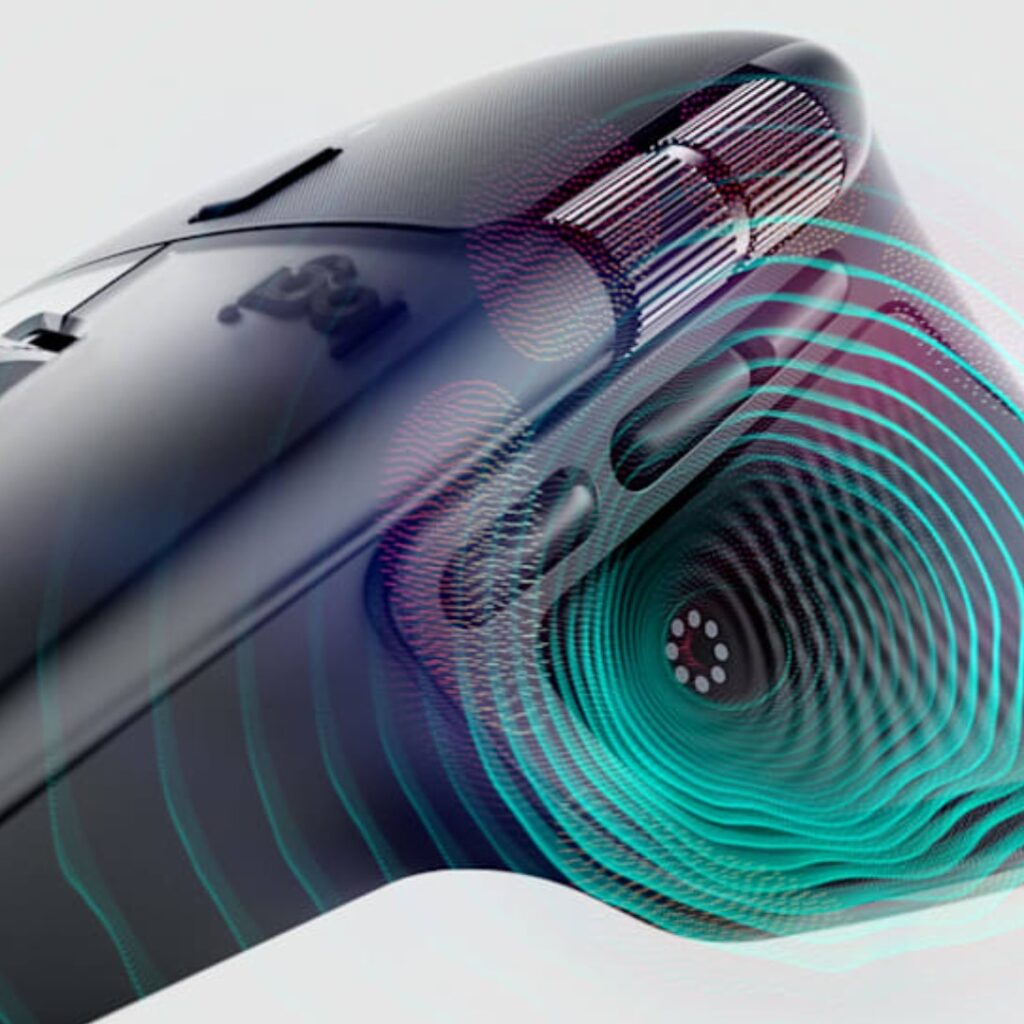
The biggest new addition is the Haptic Sense Panel on the thumb rest. It delivers customizable tactile feedback for shortcuts you assign in Logi Options+. Tap once for undo, twice for copy, hold for a smart action—the vibration feels crisp and satisfying without being distracting.
Paired with the Action Ring, you can create powerful, app-specific workflows. For example, in Photoshop you might set the ring to cycle through tools; in Excel it could switch between sheets or apply formatting. These features genuinely save time once you spend an hour setting them up.
Gesture Button and Multi-Device Connectivity
The old gesture button has been redesigned and moved for easier thumb access. Combined with the haptic panel, it gives you even more programmable shortcuts. You can connect to three devices at once (Windows, Mac, iPad, ChromeOS) and switch between them with a simple button press or gesture.
Performance: Accurate Tracking on Any Surface
The 8,000 DPI Darkfield sensor tracks smoothly on almost any surface—including glass tabletops. It’s more than enough for precise work in design apps, spreadsheets, or even light photo editing. While it’s not a gaming mouse (polling rate is 125Hz), it feels responsive and lag-free for every professional task.
Battery Life and Charging: Set It and Forget It
Logitech rates the MX Master 4 at up to 70 days on a single charge. Real-world use shows 4–6 weeks of heavy daily work before needing a top-up. A quick 10-minute USB-C charge gives you several days of use. The larger 650mAh battery is a welcome improvement over previous generations.
Logi Options+ Software: Deep Customization
The free Logi Options+ app is where the magic happens. You can remap every button, create app-specific profiles, set up Smart Actions, and fine-tune haptic feedback. It works on Windows, macOS, and even iPadOS. The only minor complaint is that the software can feel a bit heavy on system resources, but once configured, you rarely need to open it again.
Who Should Buy the Logitech MX Master 4?
This is the ultimate productivity mouse for:
- Office professionals who spend 6+ hours at a desk
- Graphic designers, video editors, and content creators
- Developers and data analysts working with spreadsheets or code
- Anyone with larger hands looking for all-day comfort
- Users who switch between laptop, desktop, and tablet
If you already own an MX Master 3S, the upgrade is worthwhile mainly for the haptic feedback and improved build. For first-time buyers, the MX Master 4 is an easy recommendation.
Wireless mice, Computer Accessories, Computers, Mice
Select options This product has multiple variants. The options may be chosen on the product pageKSh 20,000Original price was: KSh 20,000.KSh 16,000Current price is: KSh 16,000.
How It Compares to the Competition
Vs Logitech MX Master 3S: The 4 is a clear evolution—better materials, haptic feedback, refined button placement, and slightly better battery. If you love your 3S and don’t need haptics, you can still be happy with it. But the MX Master 4 feels more modern and future-proof.
Vs other ergonomic mice (Razer Pro Click V2, Keychron M6, Apple Magic Mouse): None match the combination of quiet clicks, MagSpeed wheel, multi-device pairing, and long battery life. The MX Master 4 remains the king of the category.
Potential Drawbacks
- Right-handed only (no lefty version)
- Not ideal for very small hands
- Haptic features need the Logi Options+ app to shine
- Comes at a premium price, though worth it
- 125Hz polling rate is fine for work but not competitive gaming

Final Verdict: Is the Logitech MX Master 4 Worth It?
Yes—hands down. The Logitech MX Master 4 is currently the best ergonomic mouse and best productivity mouse you can buy. It takes everything that made the MX Master series legendary and adds meaningful innovations like haptic feedback and the Action Ring without breaking what already worked perfectly.
If you’re serious about reducing wrist strain, speeding up repetitive tasks, and enjoying a mouse that simply feels premium every single day, the MX Master 4 delivers. It’s not just a mouse—it’s a daily workflow companion that makes you more comfortable and more efficient.
Ready to upgrade your desk? Grab the Logitech MX Master 4 from your favorite retailer, The Gadget Connect Ltd., and experience the difference yourself. Your wrists (and your productivity) will thank you.