
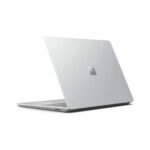
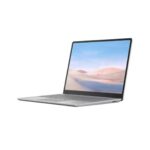
Get to know Surface Laptop Go
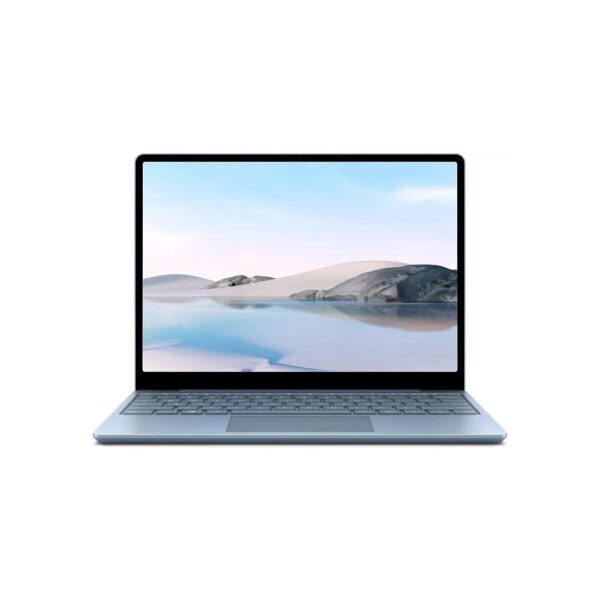
The Microsoft Surface Laptop Go (Model 1943) in its premium 16GB RAM and 256GB SSD configuration is a sleek, ultra-portable powerhouse designed for users who refuse to compromise on performance or style. Encased in a lightweight, premium aluminum chassis weighing just 2.45 pounds, it features a vibrant 12.4-inch PixelSense touchscreen with a signature 3:2 aspect ratio, offering optimized vertical screen real estate for seamless multitasking and browsing. Upgraded to 16GB of memory, this specific model effortlessly handles intensive workflows, heavy tab switching, and casual creative tasks, paired with a snappy 256GB NVMe SSD for fast boot times and ample local storage. Complemented by a remarkably comfortable full-size keyboard, a precise trackpad, an integrated fingerprint Power Button for secure Windows Hello sign-in, and all-day battery life, it stands as an exceptionally capable, travel-friendly companion for professionals, students, and remote workers alike.
Key Specifications
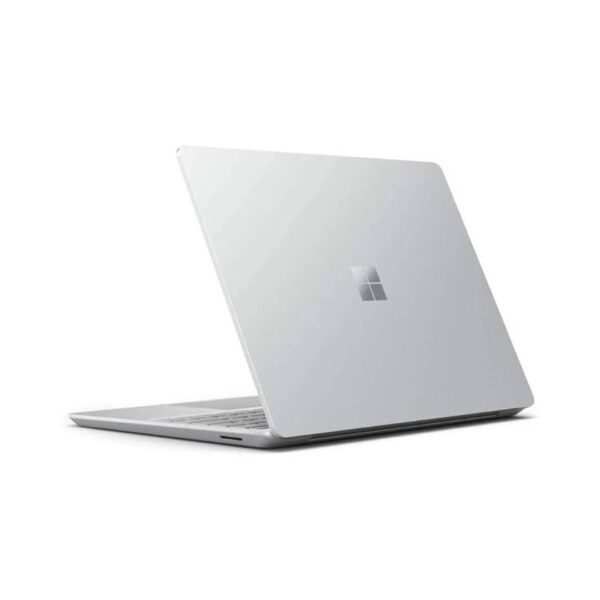
Sleek and Lightweight Design
The laptop features a highly portable aluminum top chassis that weighs just 2.45 pounds. This makes it incredibly easy to slip into a backpack or bag for daily travel and remote work.
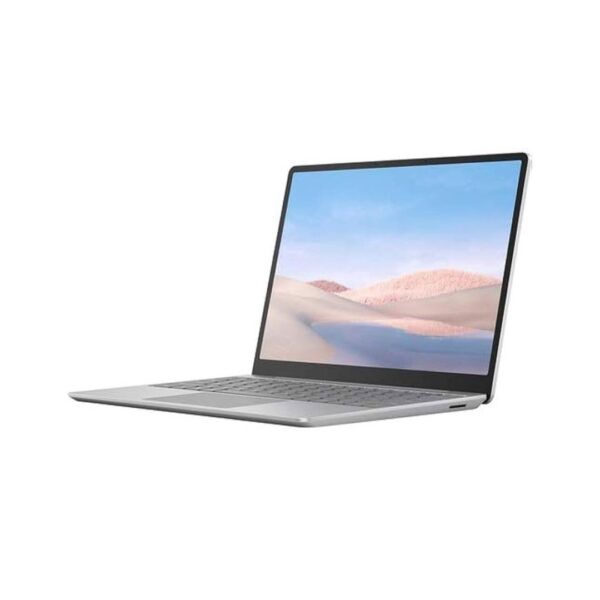
PixelSense Touchscreen Display
The vibrant 12.4-inch screen utilizes a distinct 3:2 aspect ratio. This layout provides extra vertical screen space compared to standard widescreen displays, reducing the need to scroll when reading documents or browsing websites.
Upgraded 16GB Memory Performance
Equipped with 16 gigabytes of RAM, this version handles demanding multitasking and heavy web browsing with ease. It allows you to run multiple applications simultaneously without experiencing annoying slowdowns or lag.
Biometric Fingerprint Power Button
The keyboard includes a built-in fingerprint reader directly on the power key. This hardware component enables rapid and secure biometric login through Windows Hello with a single touch.
Flexible Dual Charging Options
While the device includes a proprietary magnetic power supply, it also supports standard power delivery through its universal USB-C port. This flexibility means you can charge your machine using a variety of compatible phone or tablet chargers while traveling
What’s in the Box
- Microsoft Surface Laptop Go (Model 1943)
- 39W Surface Power Supply
FAQS
Can the RAM or storage be upgraded later?
The RAM cannot be upgraded because it is soldered directly to the motherboard at the factory. However, the 256GB SSD is technically removable and upgradable, but Microsoft states it is not user-serviceable. Upgrading it requires opening the chassis (which involves peeling back the rubber feet) and should only be done by a skilled technician to avoid voiding the warranty.
Does this laptop support Windows Hello facial recognition?
No, it does not support facial recognition. Unlike the more expensive Surface Pro or Surface Laptop models, the Laptop Go lacks the necessary infrared (IR) camera sensor. Instead, it uses a Fingerprint Power Button built directly into the keyboard for secure, one-touch biometric sign-in via Windows Hello.
Is the keyboard backlit on this model?
No, the keyboard does not have a backlight. To keep the device at a lower price point and save battery, Microsoft omitted keyboard backlighting across the entire first-generation Surface Laptop Go lineup.
Can I charge the laptop using a USB-C cable instead of the included charger?
Yes, it supports USB-C Power Delivery (PD). While it comes with a 39W proprietary Surface Connect charger, you can easily juice it up using a standard USB-C laptop charger or a high-output power bank. For optimal charging speeds, it is recommended to use a USB-C charger rated at 39W or higher.

Reviews
There are no reviews yet.