
Laptop-Grade Power in a Pocketable Frame
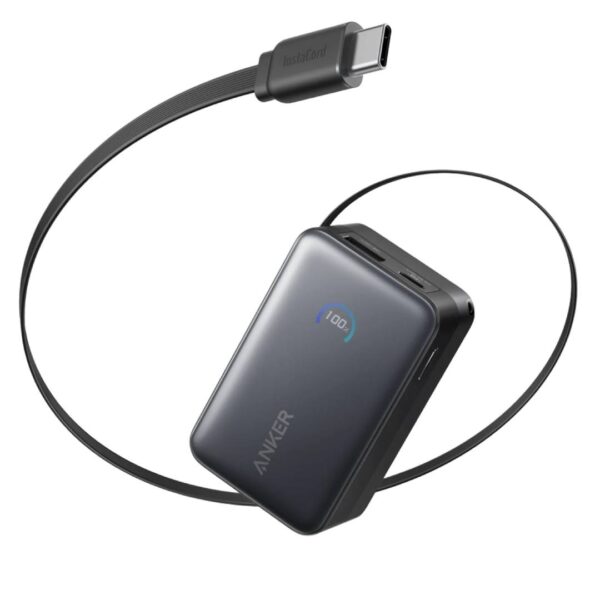
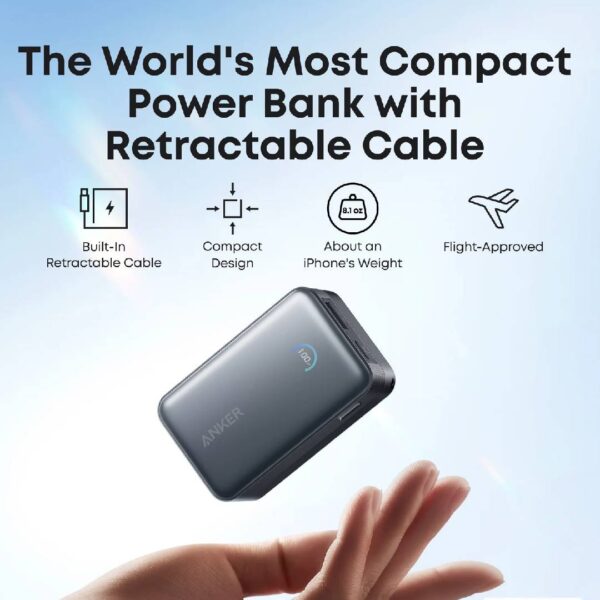
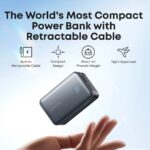
The Anker Nano A1638H11 represents the next generation of integrated charging. While previous models featured fixed loops, this flagship Nano introduces the patented InstaCord™, a 2.3-foot (70cm) retractable USB-C cable that extends for easy use and snaps back into the body for a completely tangle-free experience. With a boosted 45W output, it moves beyond just charging phones to providing full-speed power for the Samsung S25/S26 Ultra and efficient charging for MacBook Air and iPad Pro models.
Key Features
Triple-Device Versatility
Features 3 outputs: the retractable USB-C cable, an additional USB-C port, and a USB-A port, allowing you to top up your laptop, phone, and earbuds simultaneously.
45W Ultra-Fast Charging
The built-in cable and USB-C port both support 45W Power Delivery. It can charge an iPhone 16 or 17 Pro to 50% in approximately 25–27 minutes and supports Samsung’s Super Fast Charging 2.0.+1
Patented InstaCord™ Retractable Cable
The durable 70cm cable is engineered to withstand over 20,000 bends and pulls. It allows you to use your device comfortably at a distance without the clutter of a standard loose cable.+1
Smart HD Color Display
A sophisticated TFT screen provides real-time “at-a-glance” data, including battery percentage, current power input/output in Watts, and the estimated time remaining to full charge/discharge.
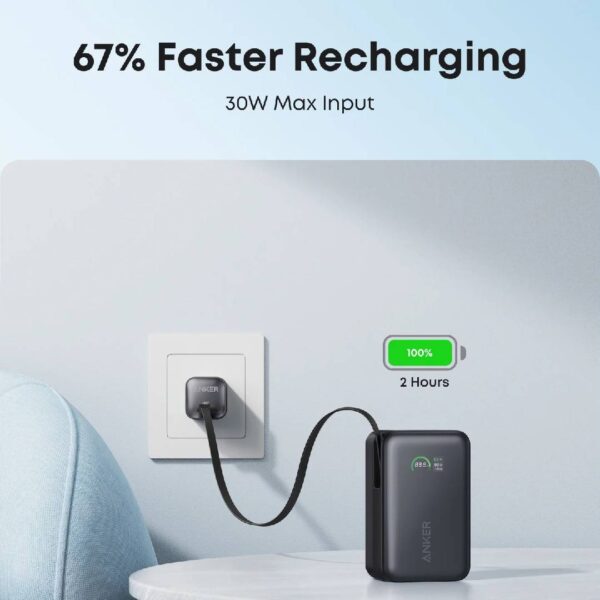
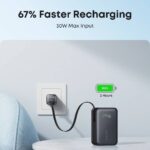
30W Rapid Recharging
Support for 30W input means the power bank itself can be refilled from 0% to 100% in roughly 2 hours when paired with a compatible PD wall charger.
What’s in the Box
- Anker Nano Power Bank (30W, Built-In USB-C Cable)
- Welcome Guide
FAQs
Does it work with non-MagSafe phones?
Yes. You can charge any USB-C device using the built-in cable. For wireless charging, it works with any Qi-enabled device, but the magnetic snap feature requires a MagSafe-compatible iPhone (12 or newer) or a magnetic case.
Can I use it as a desk stand while it’s plugged in?
Absolutely. It supports pass-through charging, meaning you can plug the power bank into a wall outlet and use it as a stationary wireless charging stand for your phone.
Why does wireless charging stop when I plug in a cable?
By default, the power bank prioritizes wired charging for safety and efficiency. To reactivate wireless charging while a cable is plugged in, simply press the power button twice.

Reviews
There are no reviews yet.